Mixer

Gabor Guzsik Fren - Portfolio Microsoft Mixer

Microsoft – Mixer

In May 2014, one of my long-time clients approached me with his new idea. A sub-second latency live streaming platform.

I was the initial designer responsible for the UI and UX of the project. We worked side by side with developers and engineers, and I wrote front-end code and organized the project’s deliverable milestones.

After we received overwhelmingly positive feedback from our beta streamers and viewers, we began work on what later became Mixer.

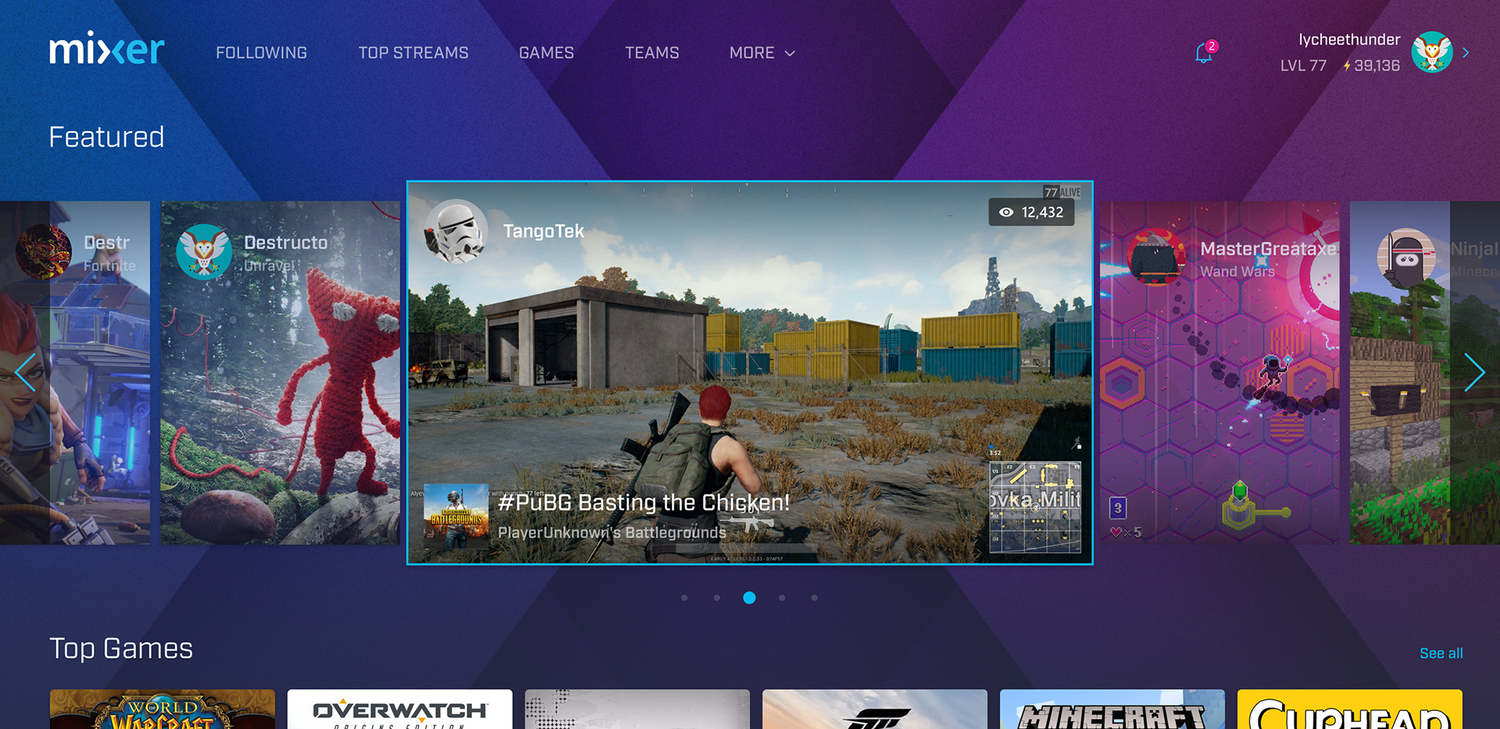
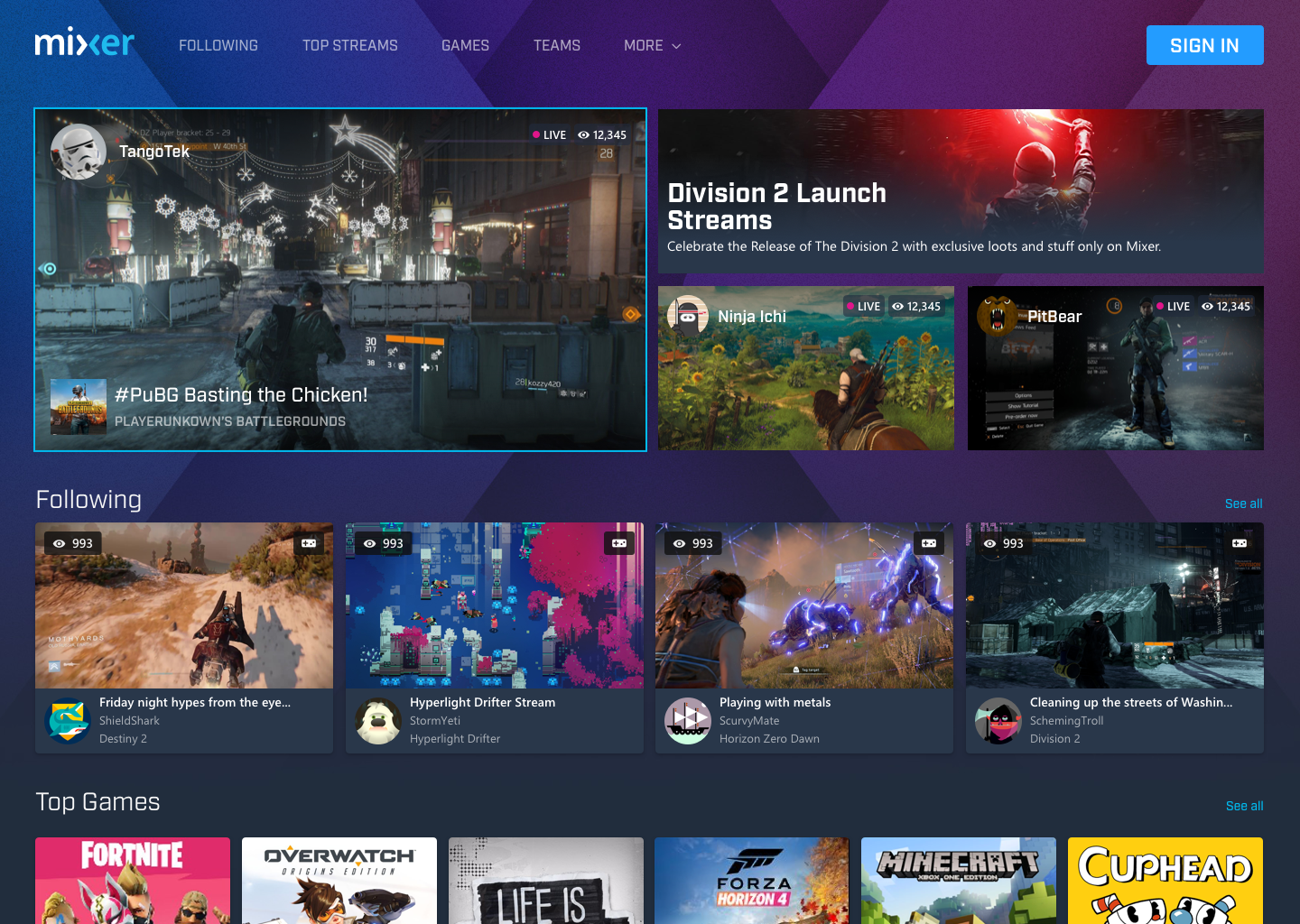
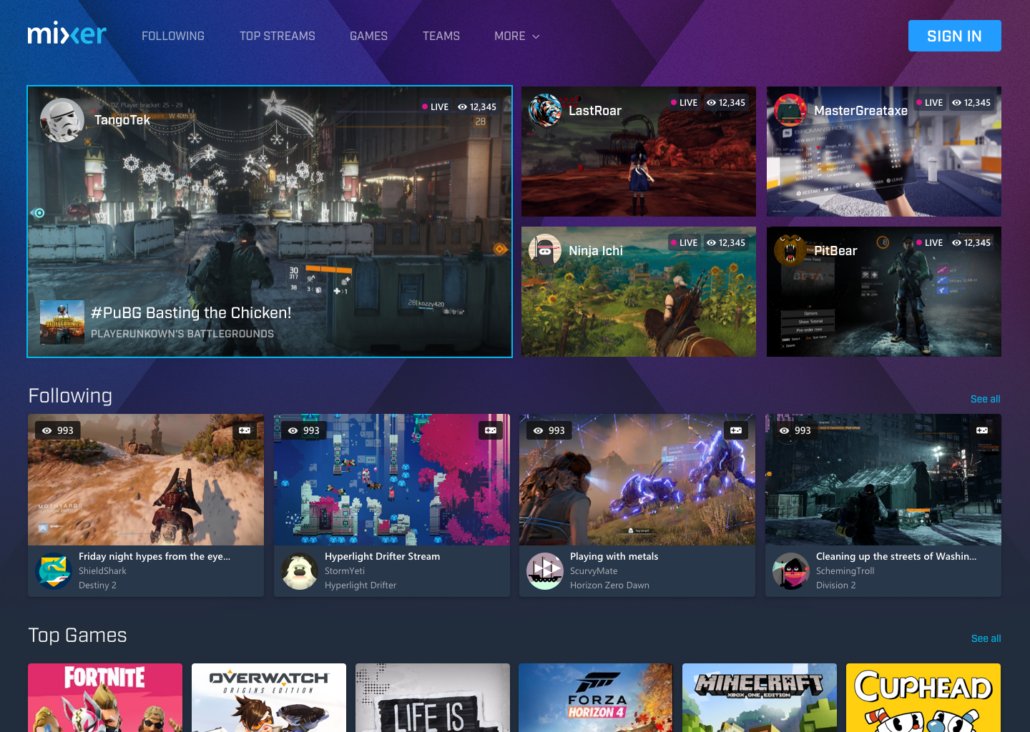
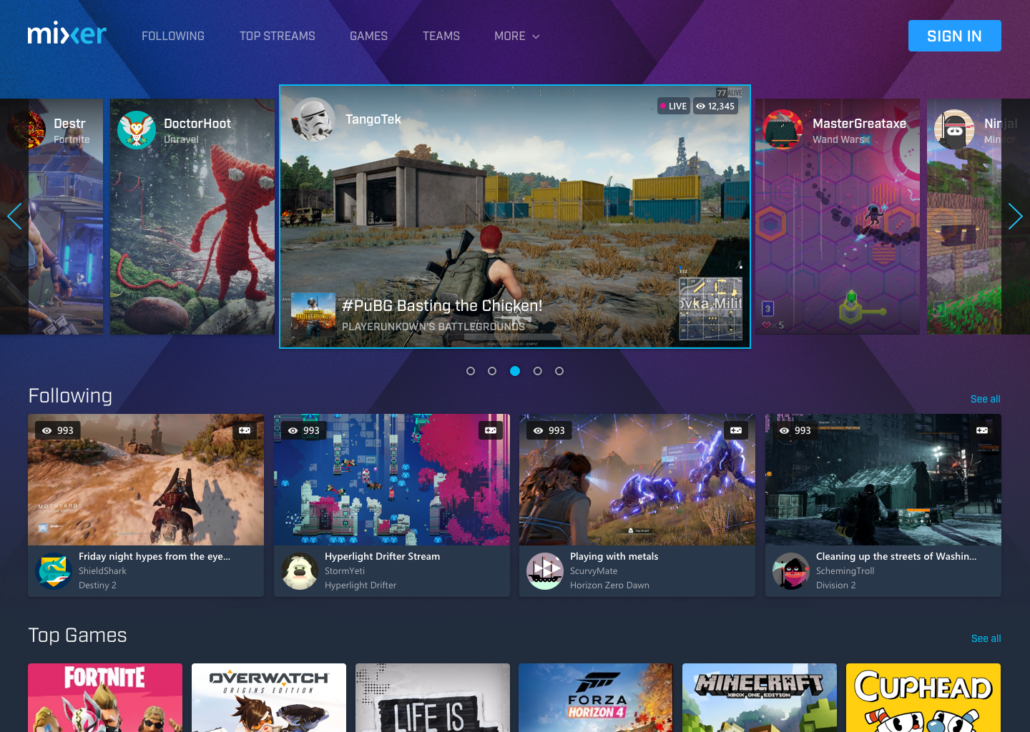
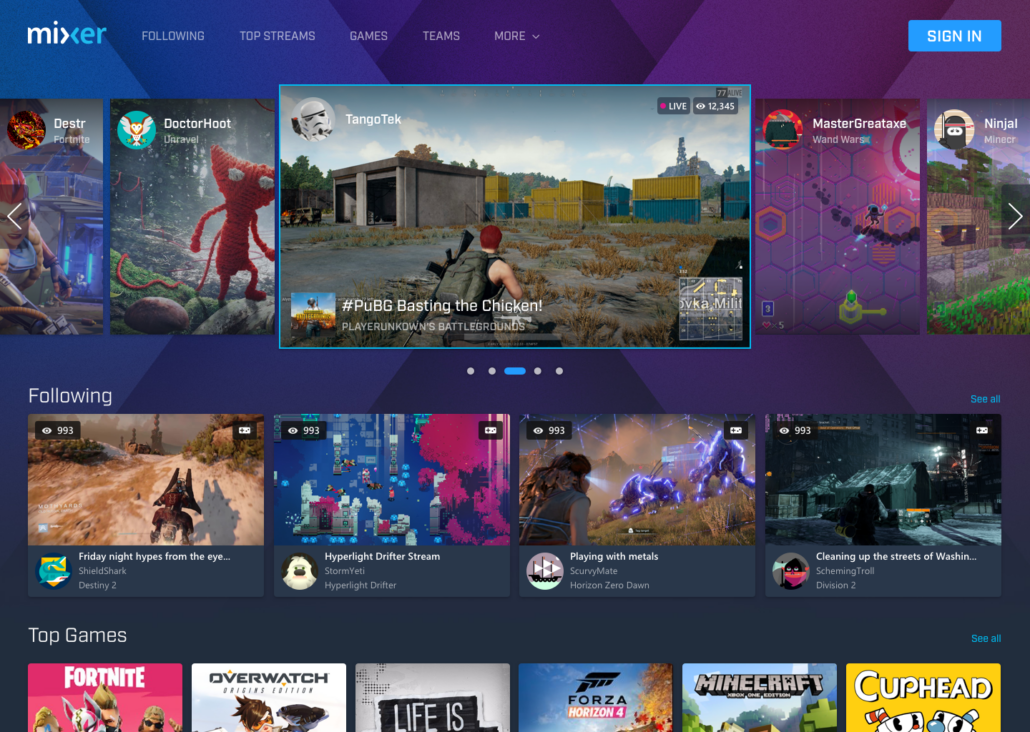
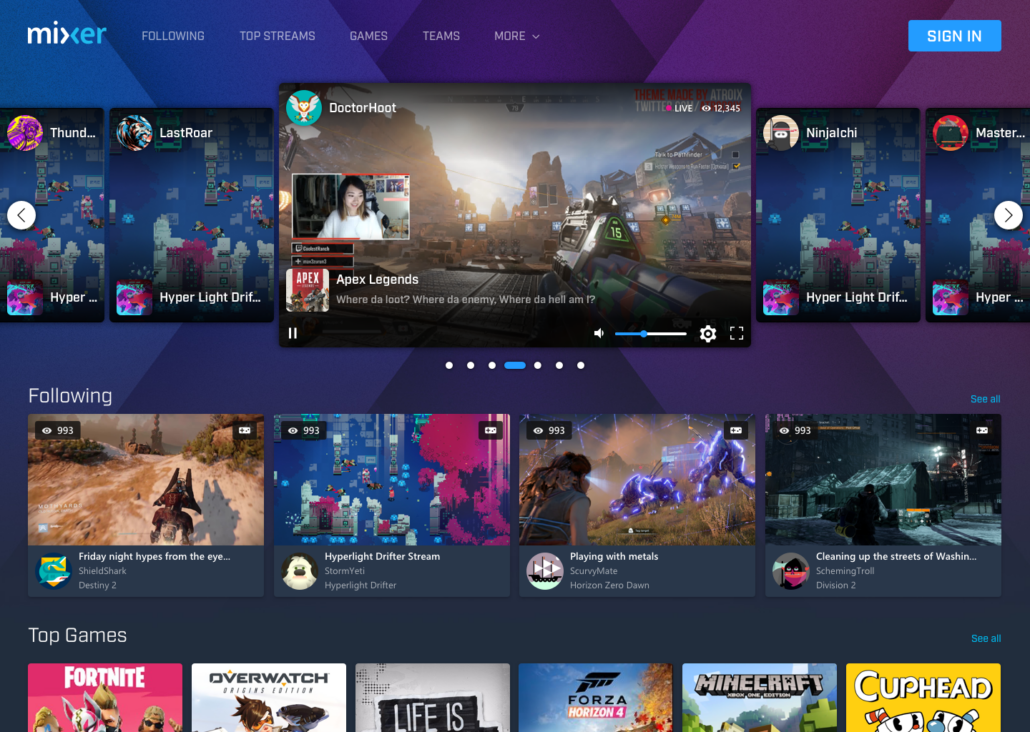
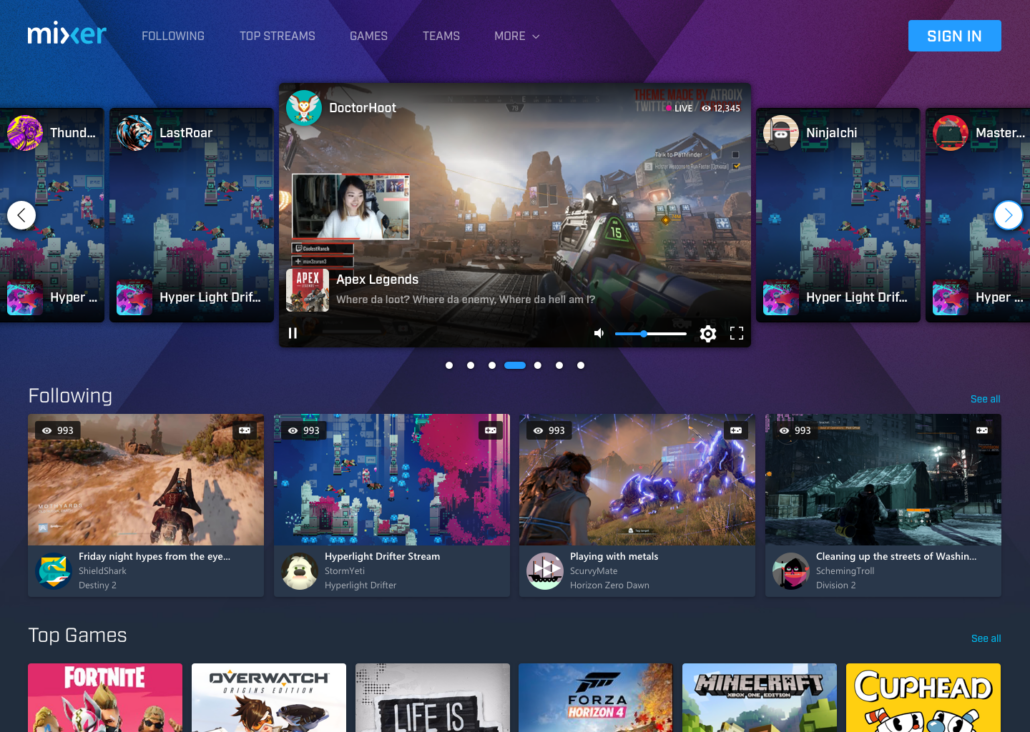
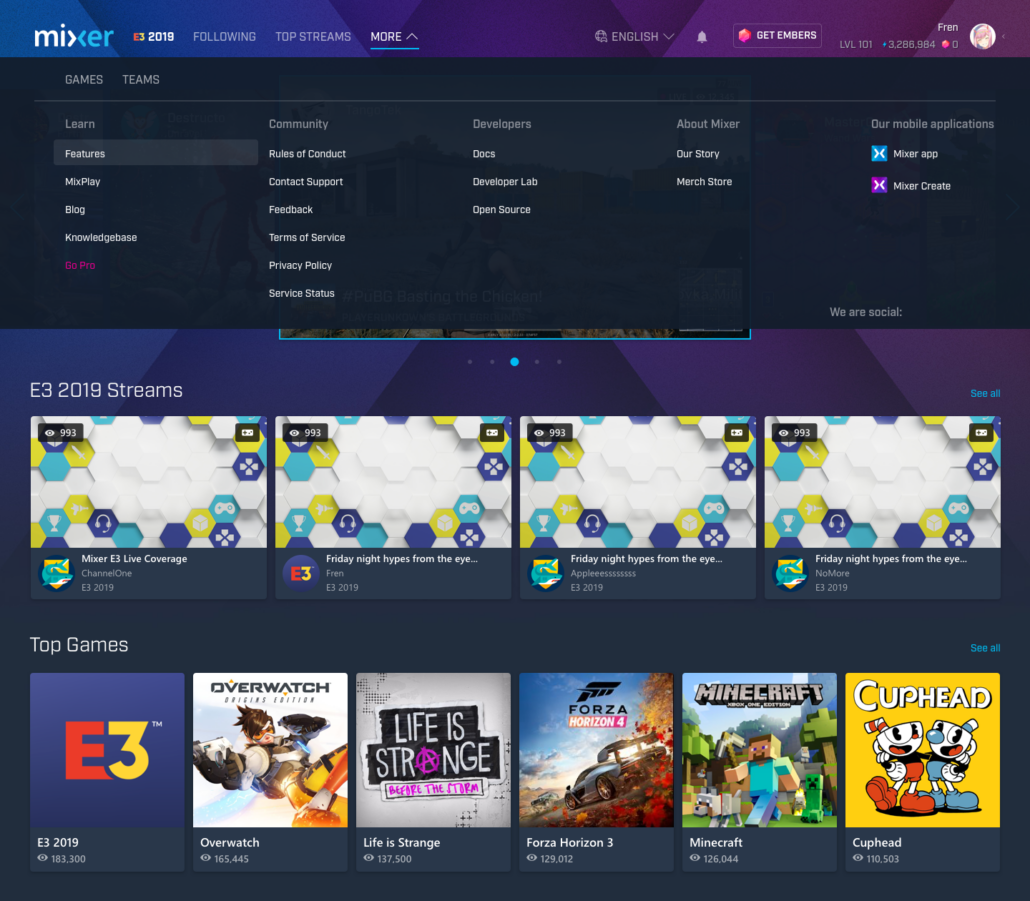
Mixer homepage with adjustments

Design for Accretion

In just 6 years since its start Mixer (originally Beam) grew from few hundred active users a month to 50.000.000+ MAU. Our team grew from a few developers and a designer to have our own Studio.

In 2016, after a week of hardcore development and design work, Beam won TechCrunch Disrupt NY. Beam was picked from 22 featured startups to win the Startup Battlefield.

Later that year, Microsoft acquired Beam, and we were brought on board to create an amazing experience for gamers worldwide.

My Role

During my time at Microsoft and Mixer, I worked on various projects on multiple platforms. Personally, I went from a freelancer to a full-fledged senior designer with a UX specialty.

I worked closely with engineers, developers, user researchers, and project managers on various projects, including mobile apps, Xbox Console, and desktop web and mobile apps. My designs reached millions of users, and the Experiences I worked on have formed positive vibes with the community that last even to this date, many years after the project’s cancellation.
Quick nav

Mixer Co-streaming and Rebrand

After our acquisition we went from a small dedicated startup with few people to a member of a huge corporate environment. One of the first things we worked on as a new major team was the rebranding of Beam to Mixer

During this time, I worked onsite in Redmond at the Microsoft Campus with the larger Xbox Design team. My work revolved around branding and branding guidelines. Daily meetings with Brand Experts, proposing logo and color changes, adjusting and tweaking various brand elements to fit our new direction.

The challenge
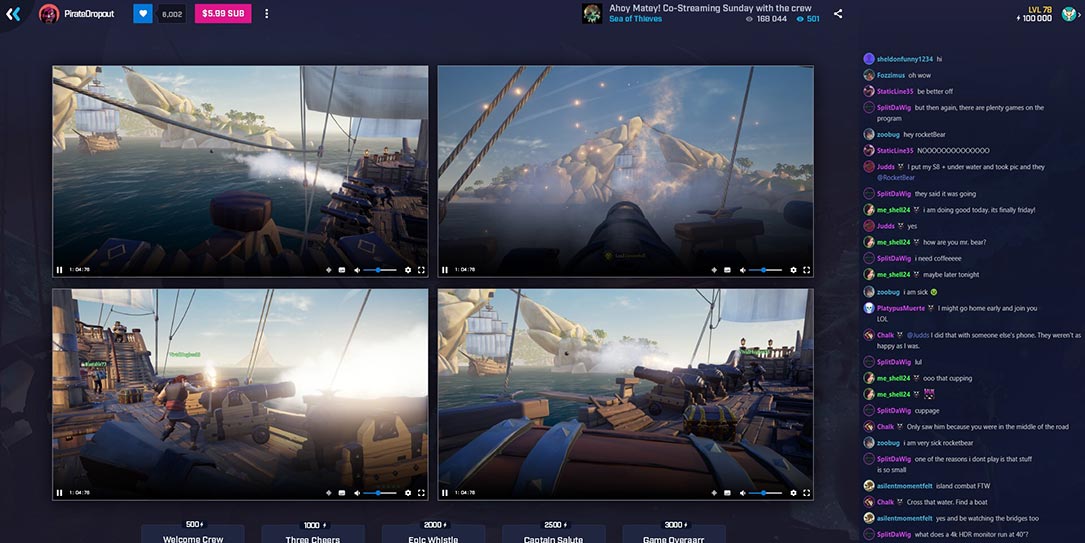
We introduced a new feature called: “Co-streaming”.
Co-streaming allows up to 4 streamers to stream simultaneously and display these streams side by side on a single page without any extra effort from the streamers.

Research
As this was a new function at the time, we had ample ideas on how to engage and user requirements to work off of, but no competitors to align or test against.

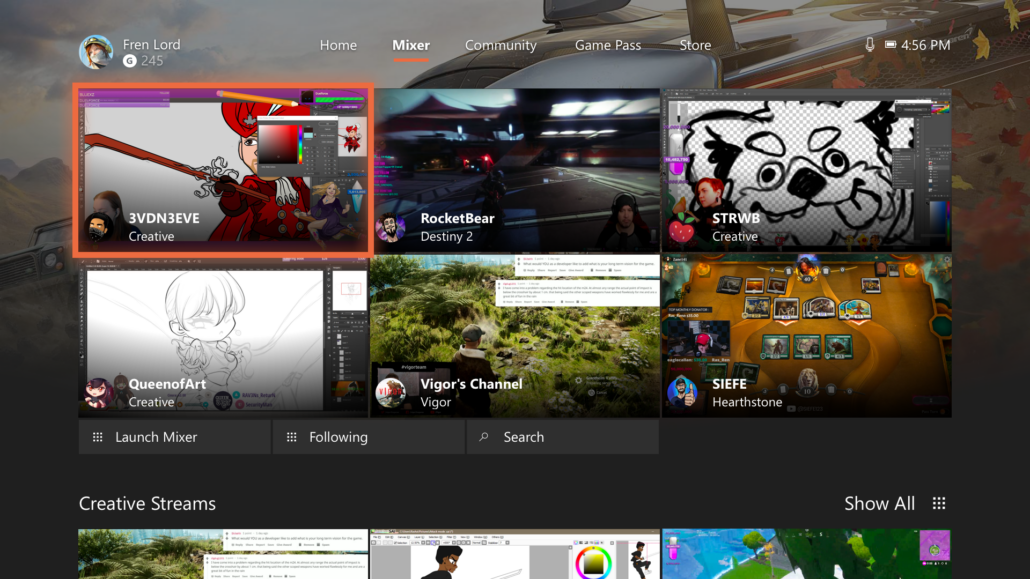
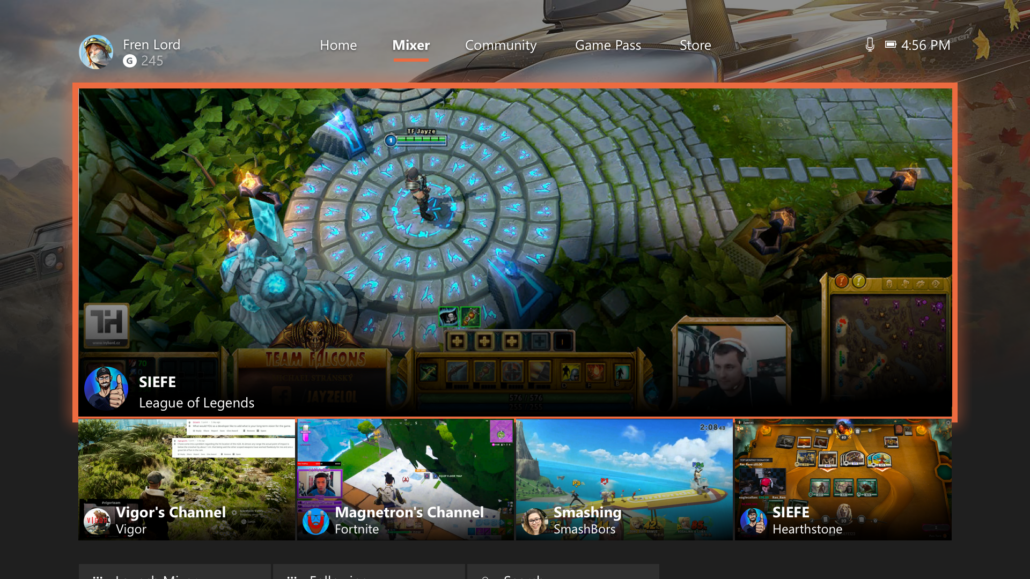
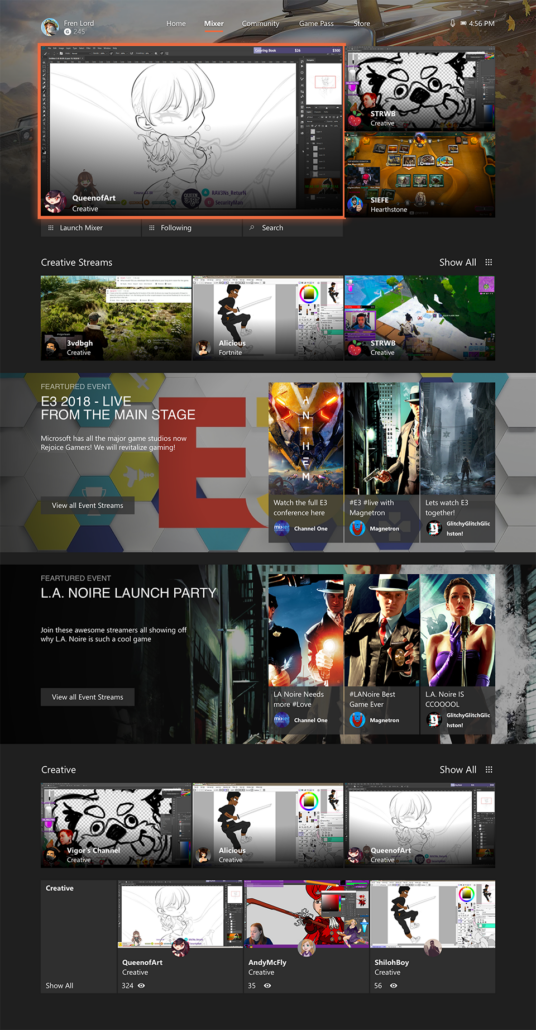
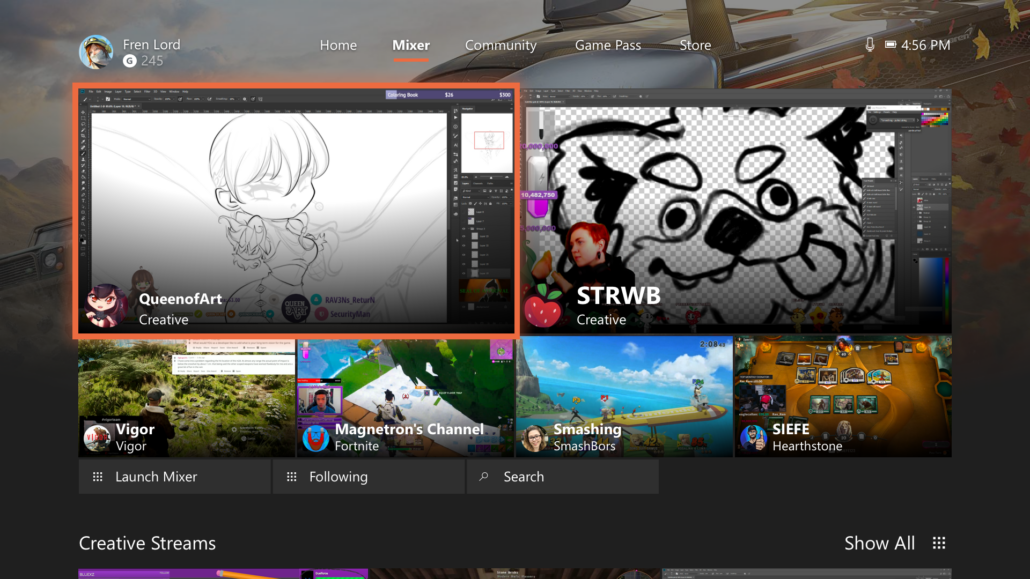
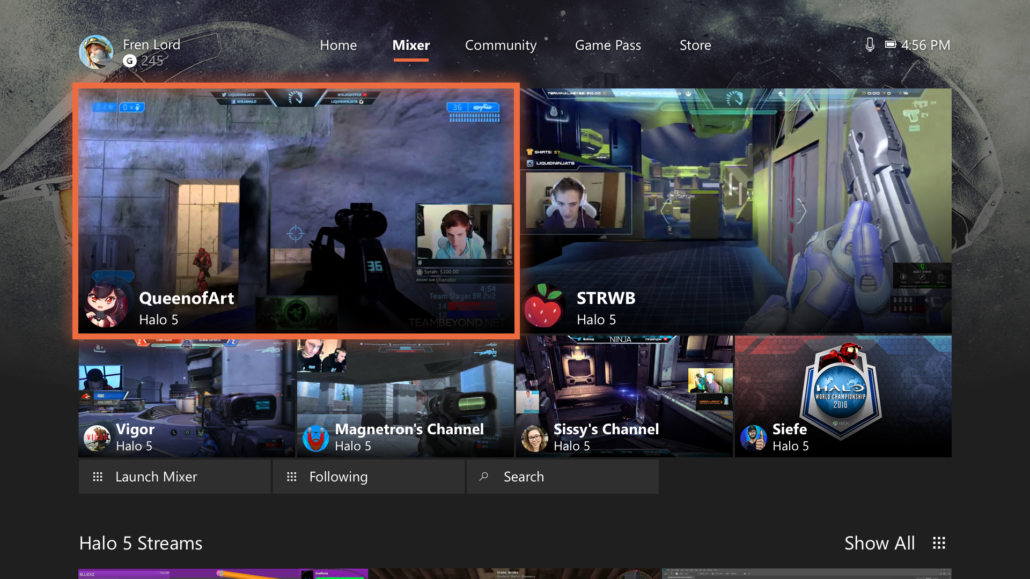
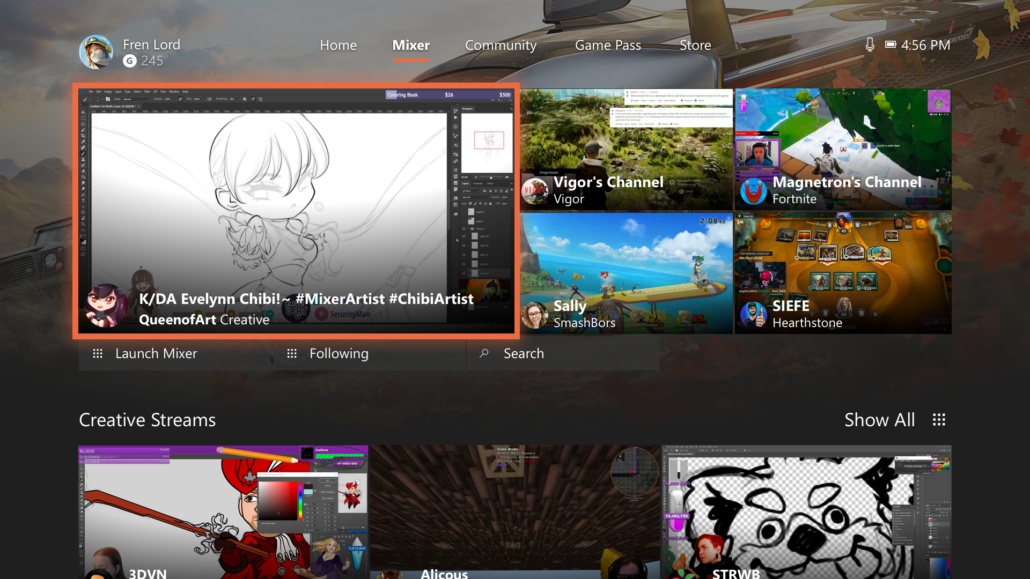
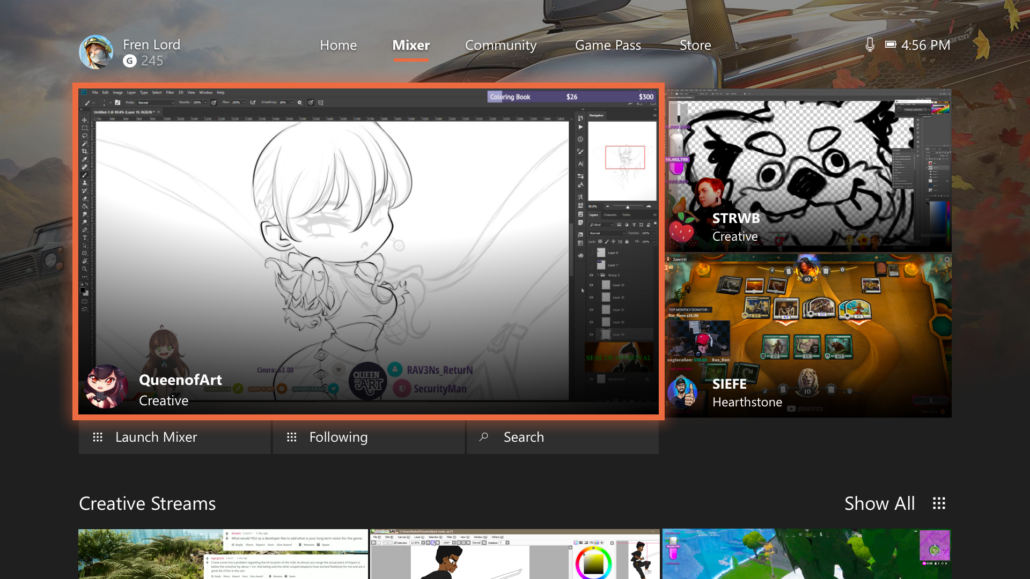
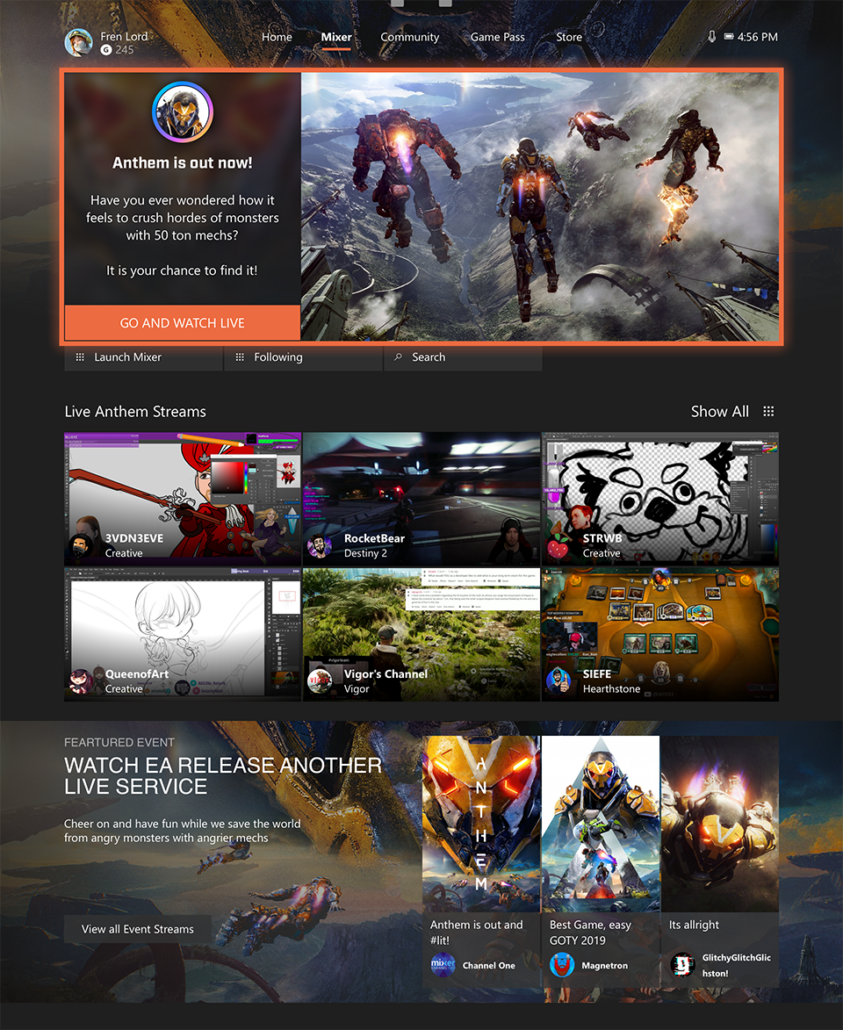
Console Twist Designs and E3 Designs

Twists are located on the top of the Xbox Dashboard. It is one of the key locations that drive engagement. In many cases, the Twist is Mixer’s introduction to a user.

My Work

  1. Work with Engineers to develop new layouts and designs for the Twist.
  2. Work with User Researchers to do rapid AB testing and User Testing in a controlled environment to gather data to help make decisions.
  3. Coordinate between UR and Engineering to ensure the new designs are aligned to requirements and backed up with data.
  4. Coordinate with the rest of the Design Team to create impressive visuals and still remain aligned to our brand guidelines or expand the guidelines.
  5. Due to the timing of the release, I was tasked to create the visual compositions for Twist and homepage in support of the biggest gaming event at the time E3.

Results

We have expanded our selection of layouts to help potential narratives and increase user engagement.

CTR has increased from both the Twist to the streams and to the application, thus driving new user acquisition across the board and driving our MAU to the millions.

Insight gained

Normally designers work within the confines of web and mobile solution. During my time at Microsoft, Xbox and Mixer I had to learn a completely new approach to design, 10ft experience.

Designing for limited input methodologies, limited controls, large distances, huge scaling ratios was a challenge that was well worth it and allowed me to be better at Device Agnostic designs.

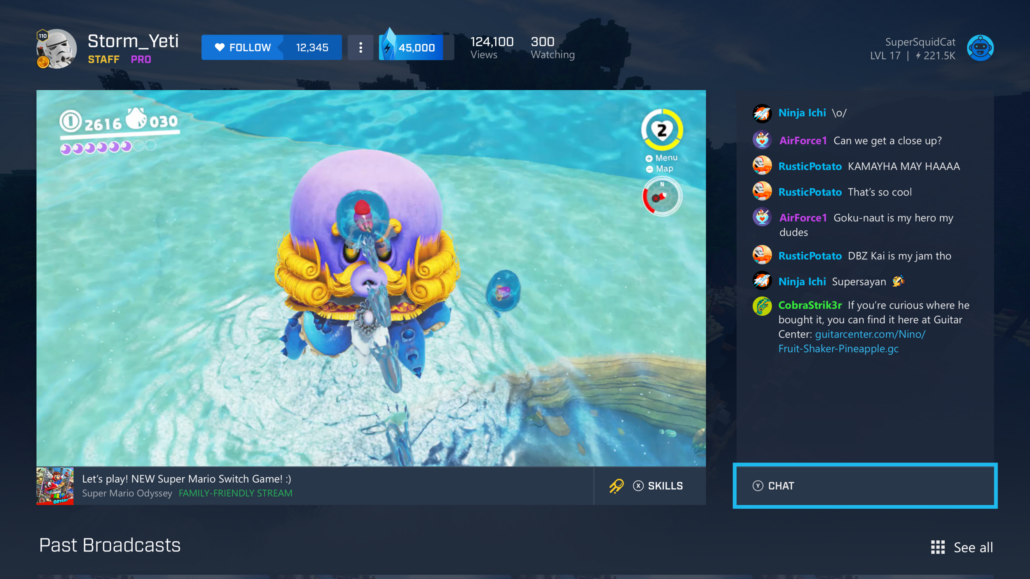
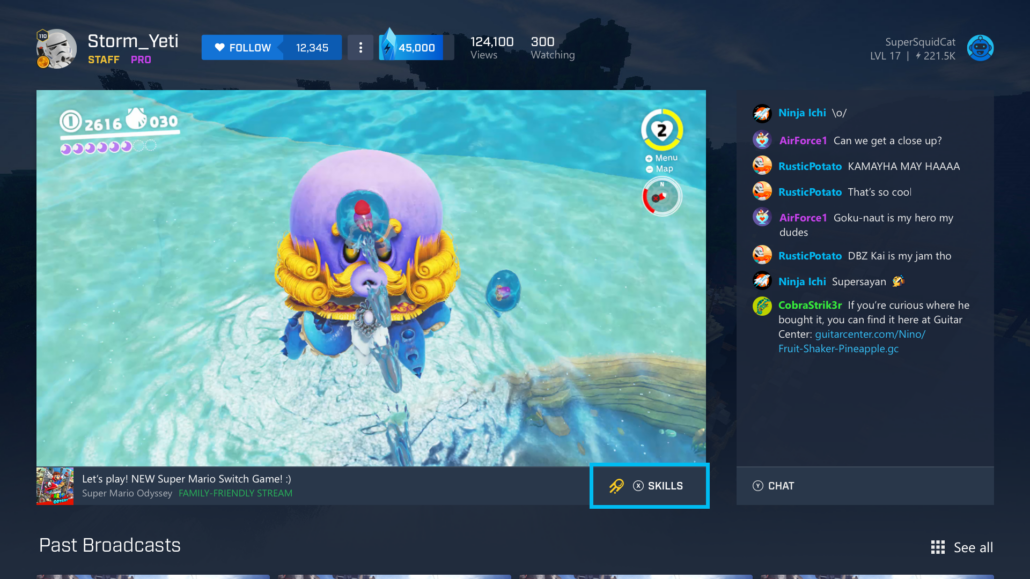
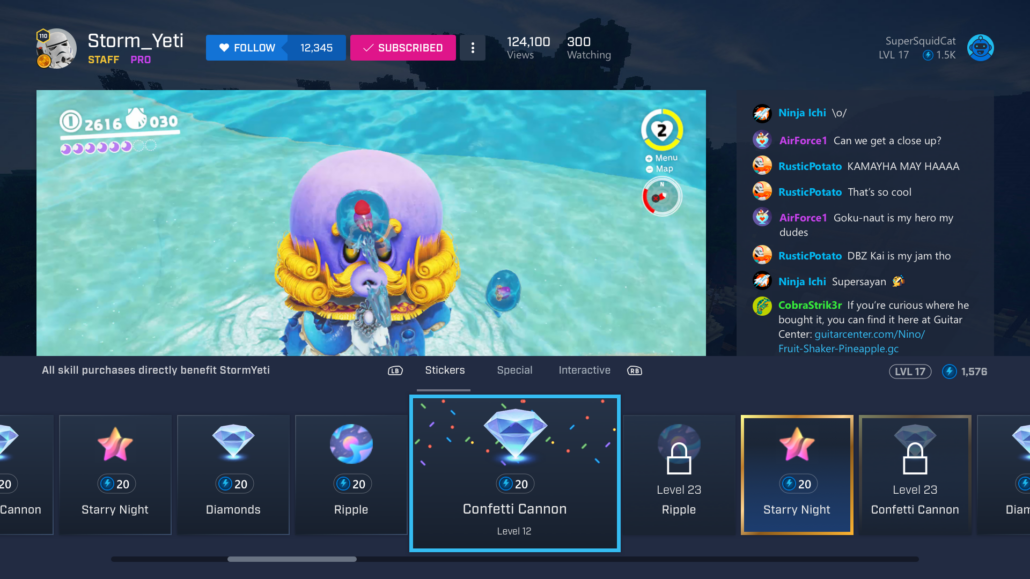
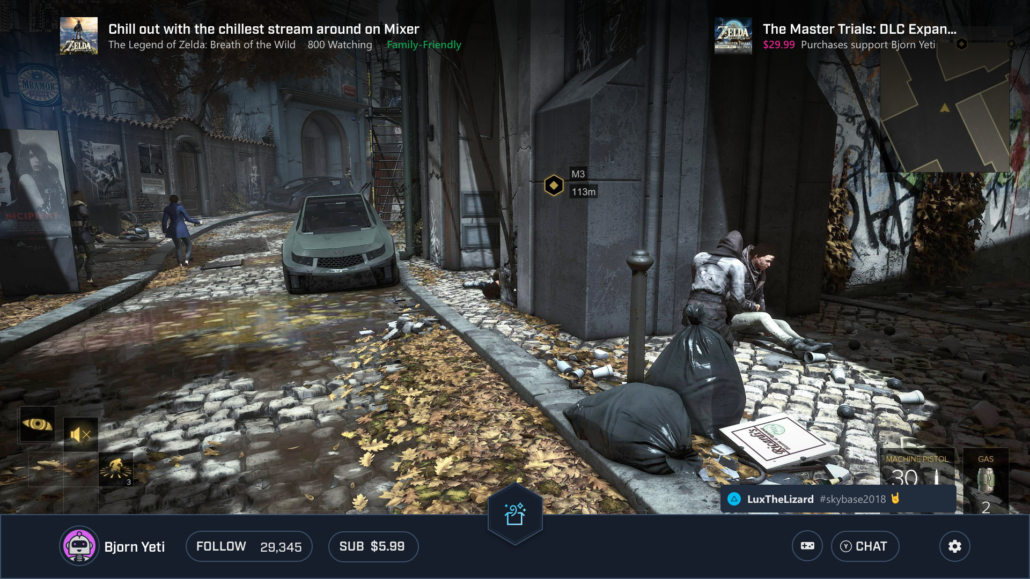
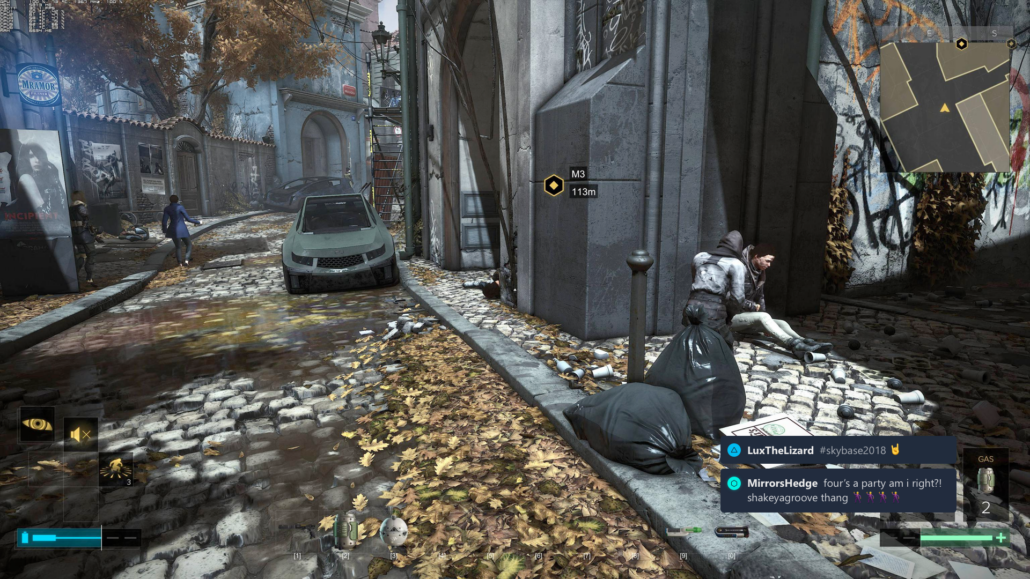
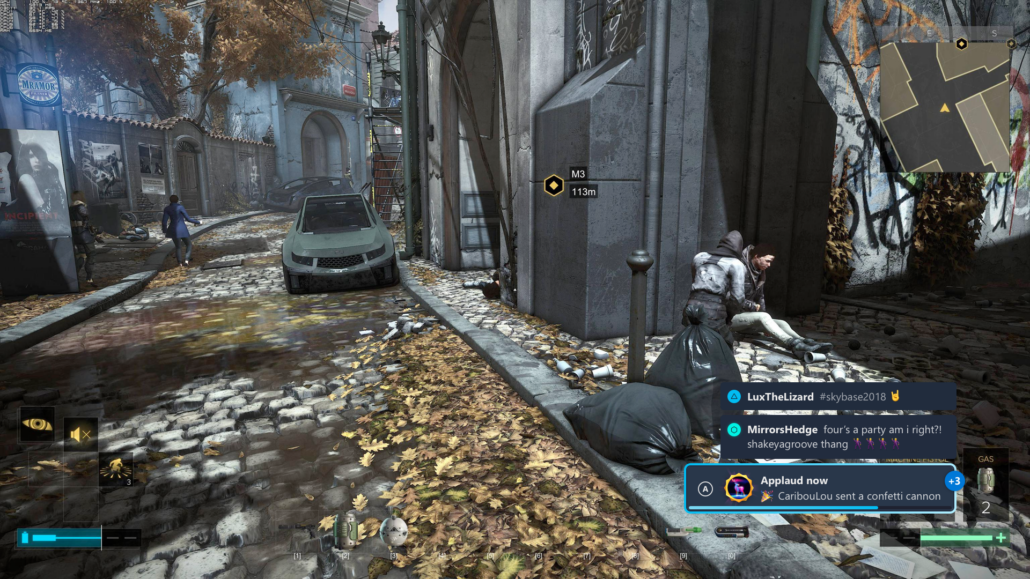
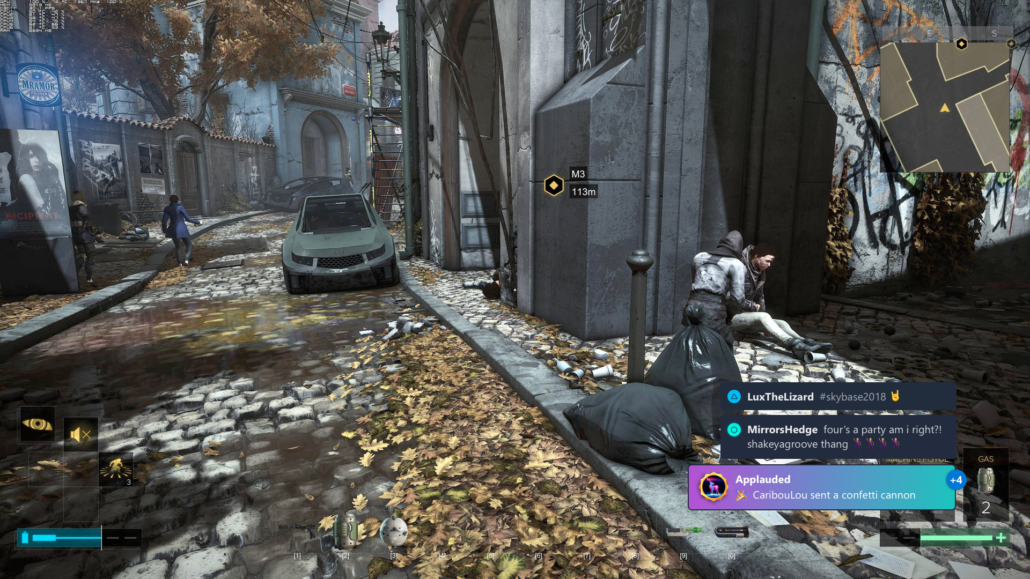
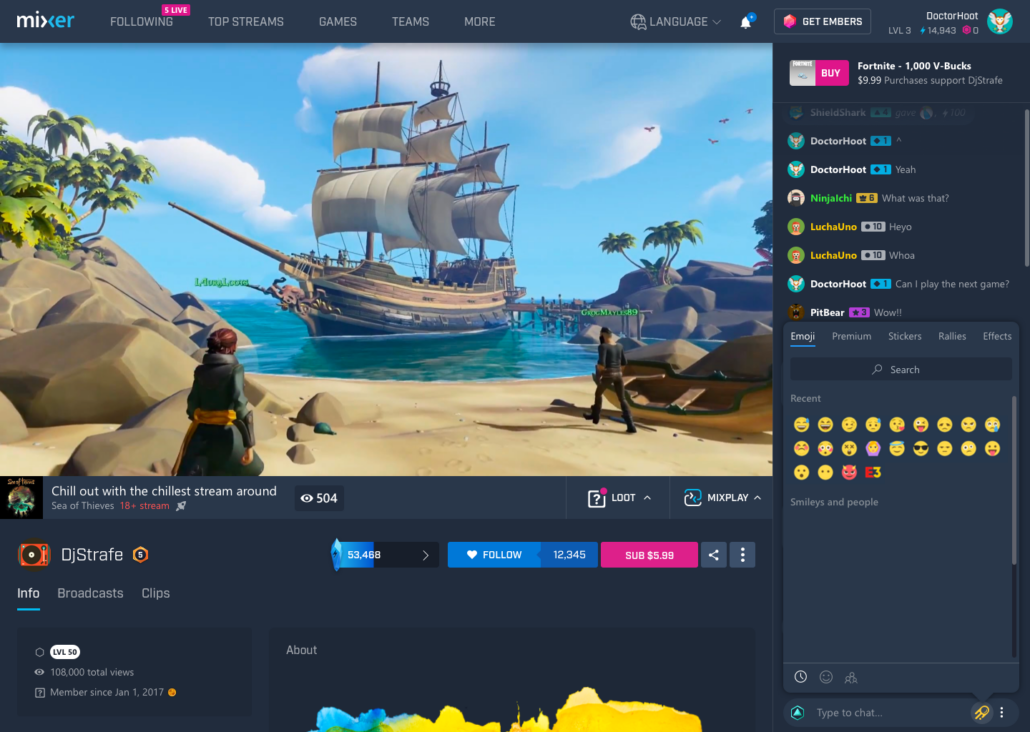
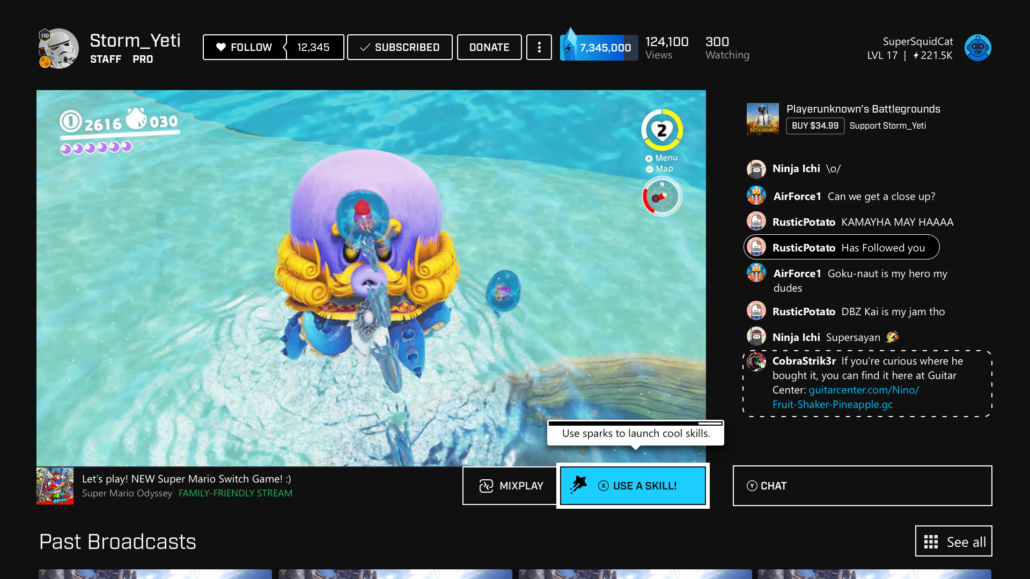
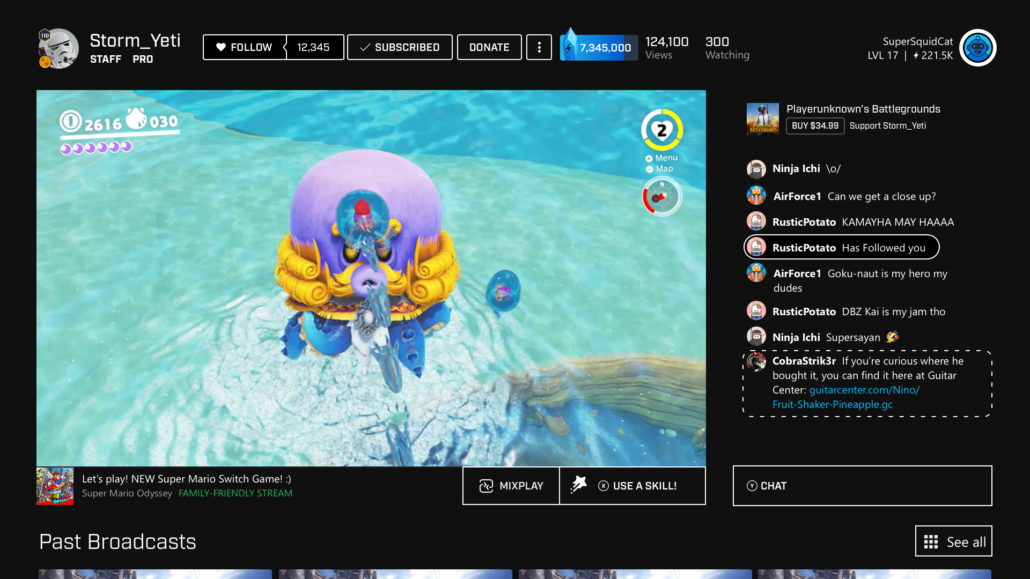
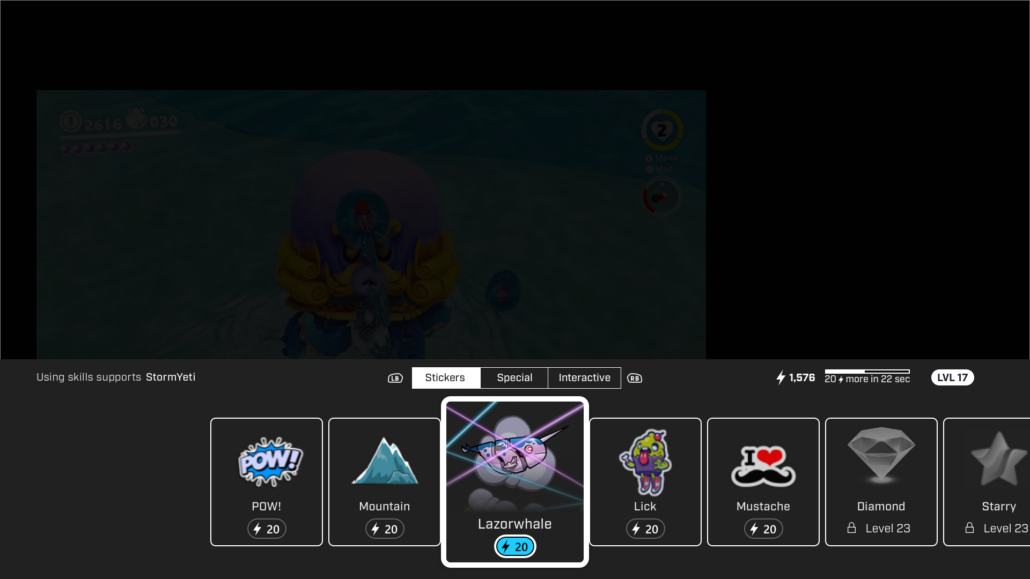
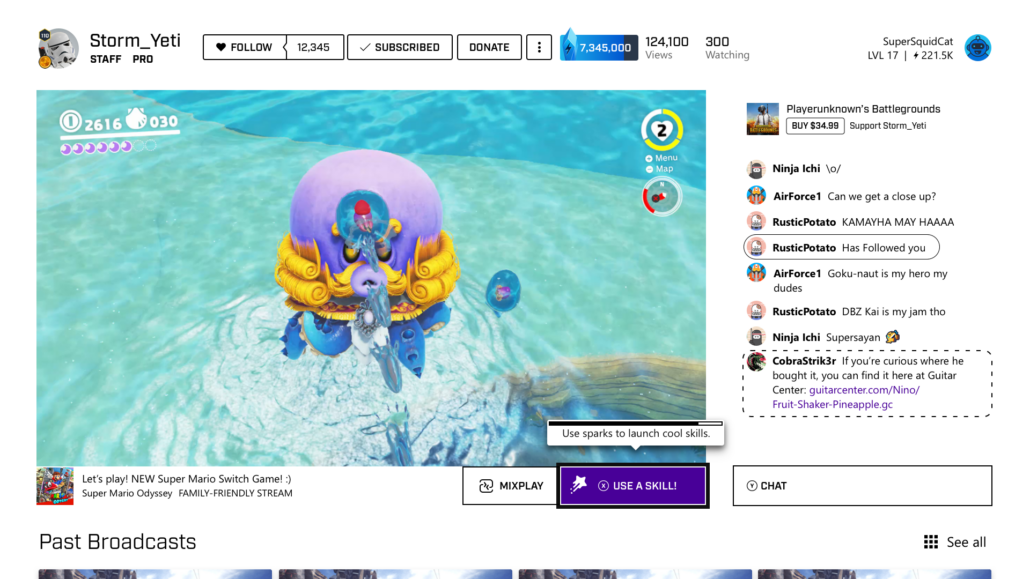
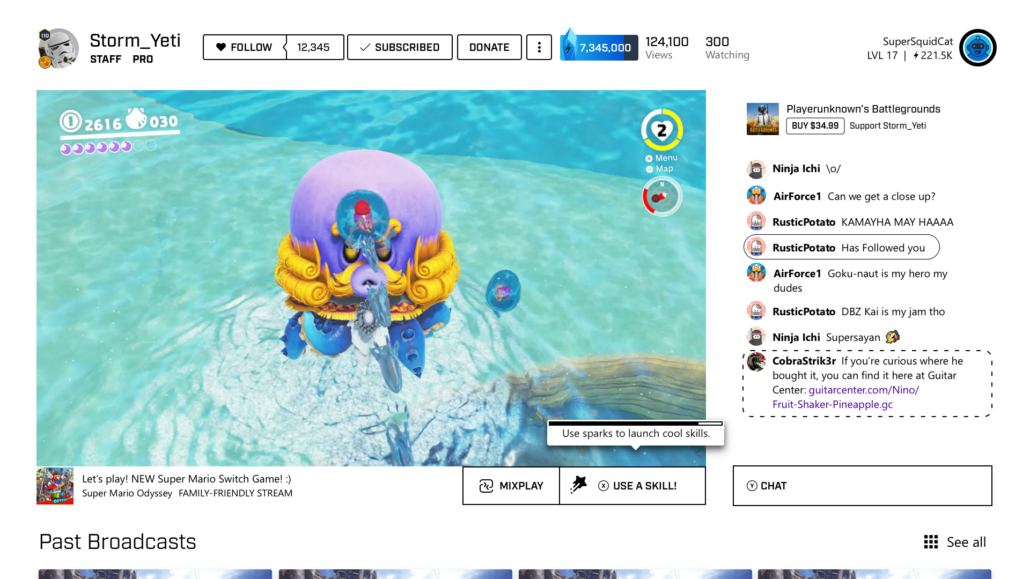
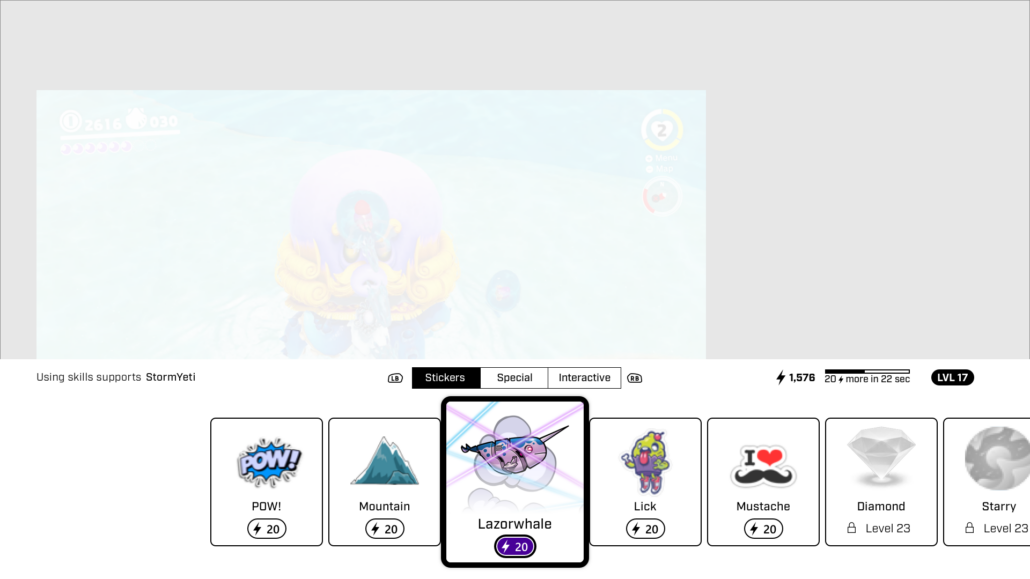
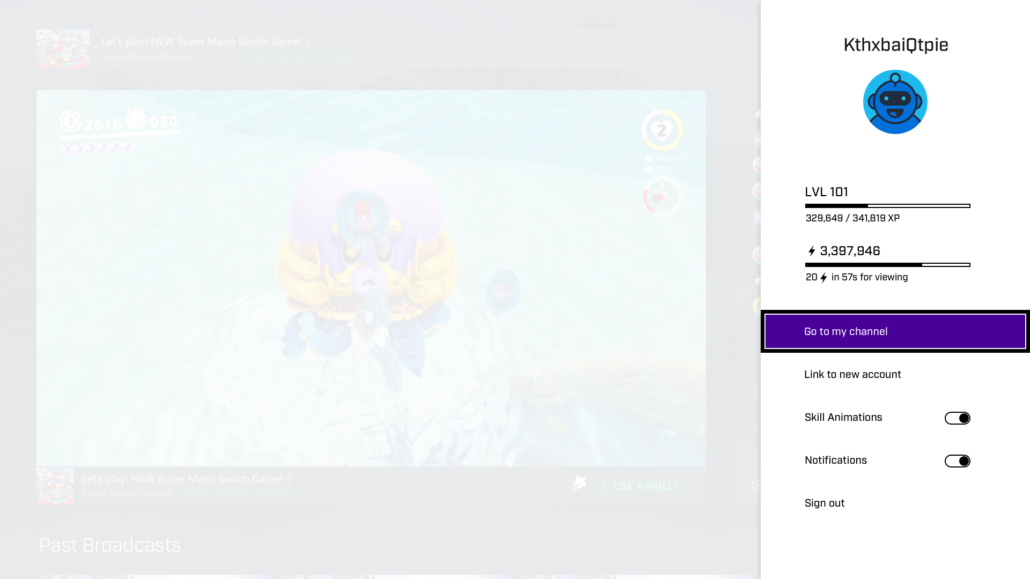
Season 2 Console, web, and app Skill Tray design

Mixer Season 2 took Mixer in a whole new direction.
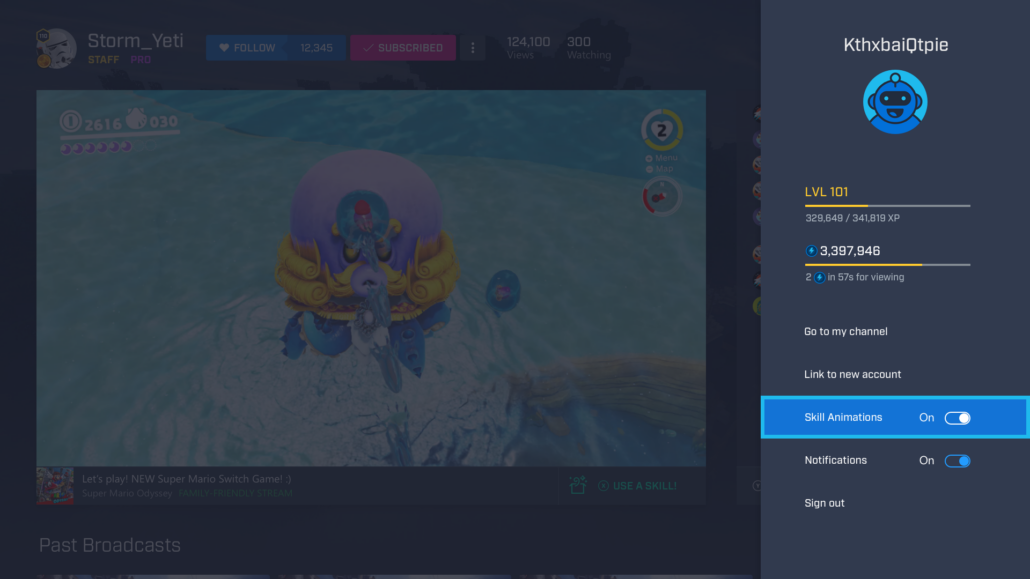
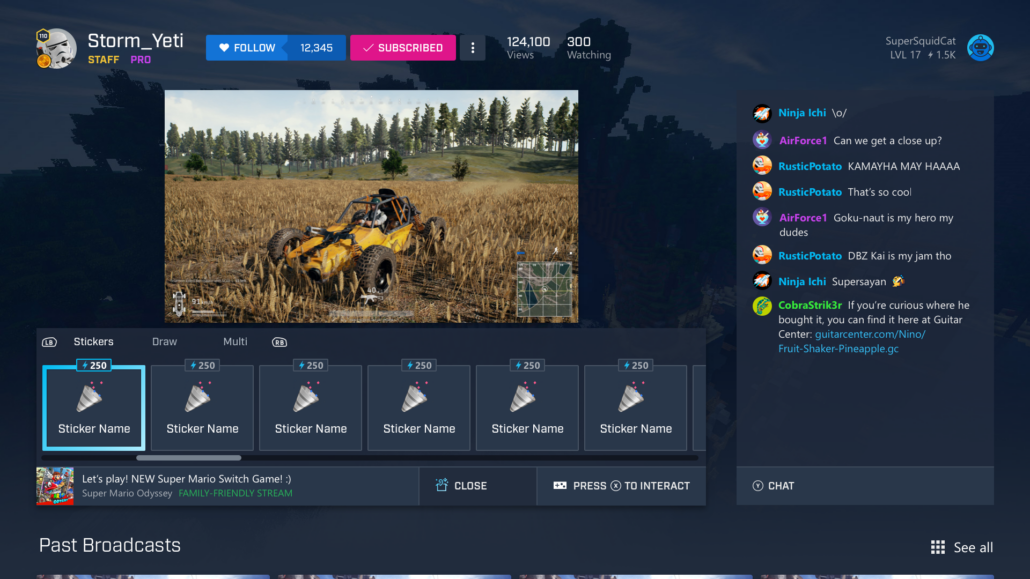
Season 2 introduced a new currency called Embers, emphasized user retention, encouraged user spending while improving overall user experience, and began the groundwork on the inclusive design direction.

Our new tools allowed streamers to monetize their streams and help smaller streamers gain traction within larger communities and gain their own following. We introduced gamification to the site via Skills, allowing viewers to support their streamers without spending a single dollar using a free-to-earn currency.

My Work

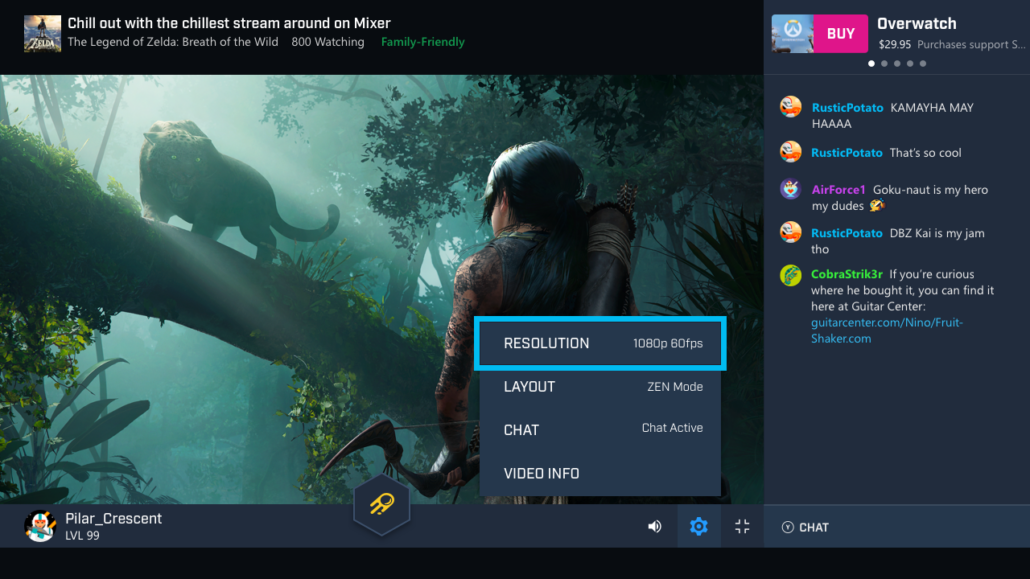
  1. Explore and design new viewing experiences (Zen mode, theater mode).
  2. Create the skill tray for the console.
  3. Introduce the user to Season 2 and the skills system via onboarding efforts.
  4. Work on gamification efforts to improve skills.
  5. Implement new branding assets.

Results

Mixer Season 2 was a huge hit. Our user retention has skyrocketed, and Embers become a prominent income source for Mixer. Our Gamification efforts paid off, and people adopted the new patronage and progression system without any backlash.

Due to engineering constraints and limitations, some of the explorations and solutions did not make it into the final product. Still, Xbox has become the lead adopter of the new skill system and Embers. Thanks in no small part to efficient design and accessible solutions.

Ember Catalog and Skill Management

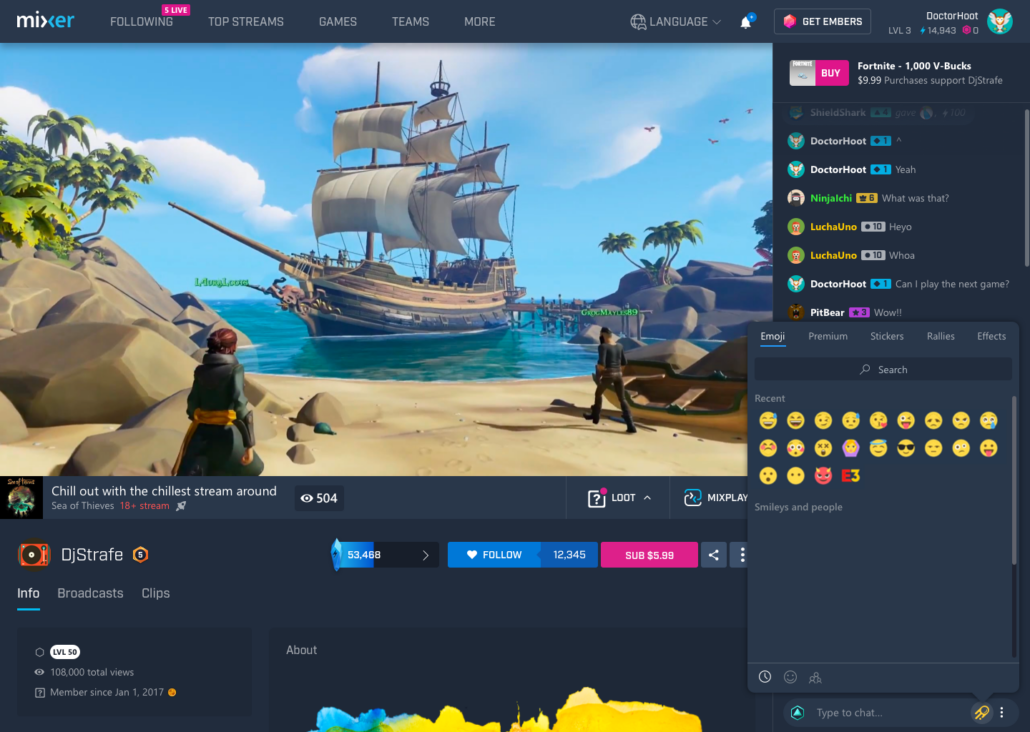
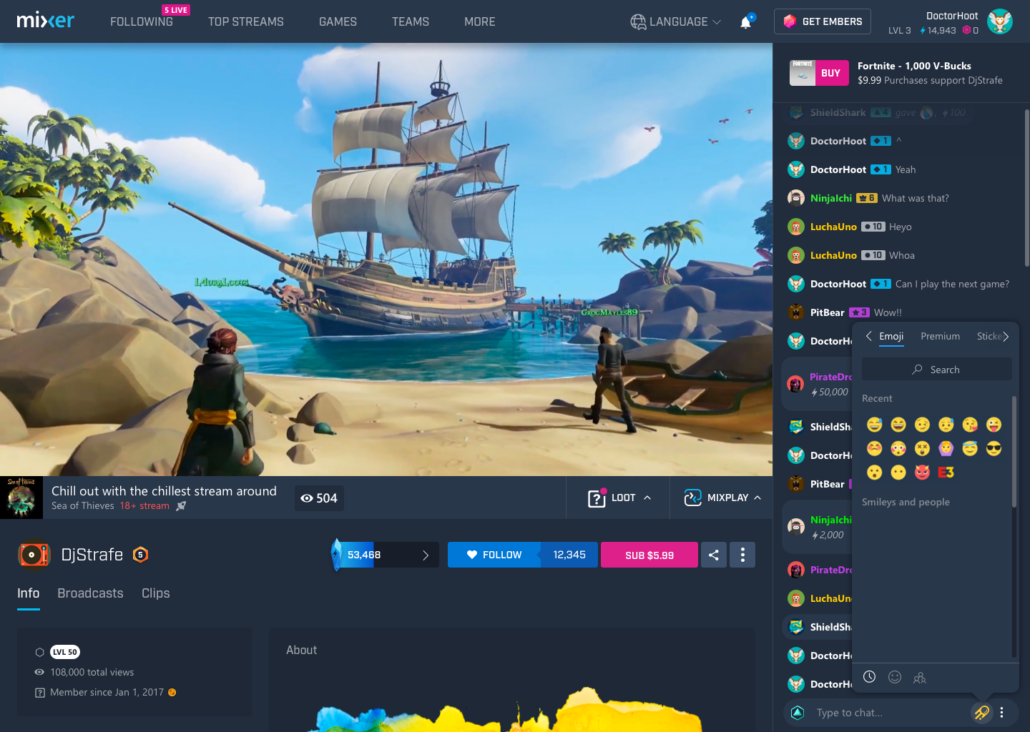
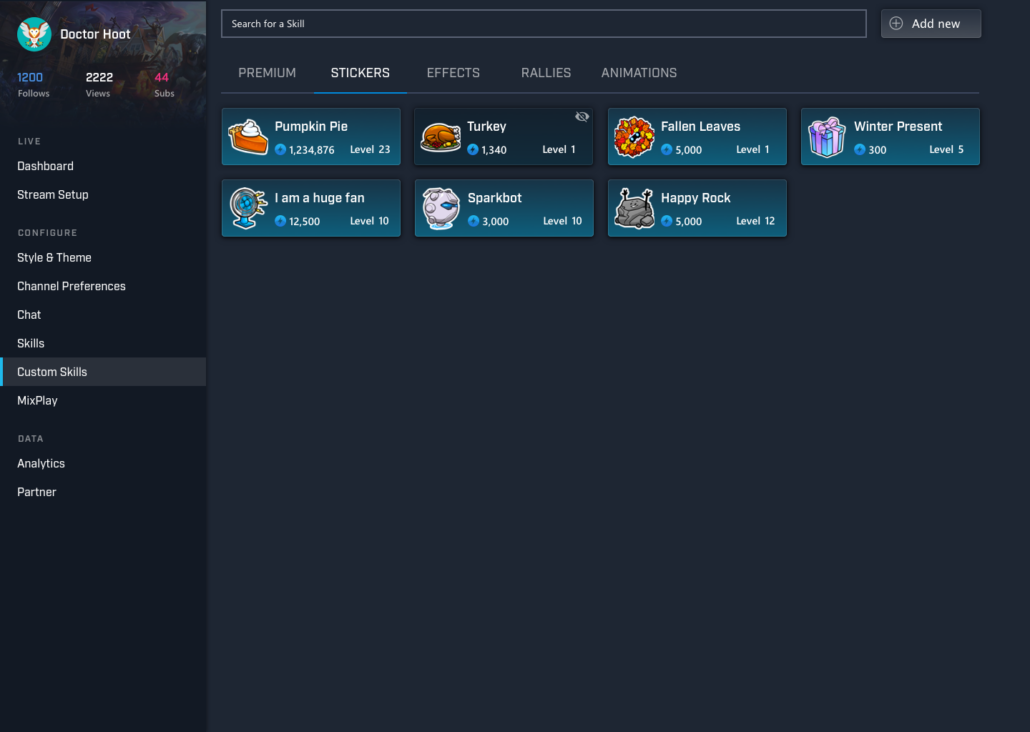
One of the side projects I worked on was expanding our Skill tray / Ember Catalog to allow the handling and usage of a large number of skills. Discoverability, searchability, and organization were all key aspects to keep in mind.

My Work

  1. Competitor Analysis of similar skill-like solutions and layouts
  2. Expand the existing skill tray on the website to allow access to thousands of skills.
  3. Create categories and sorting options for skills.
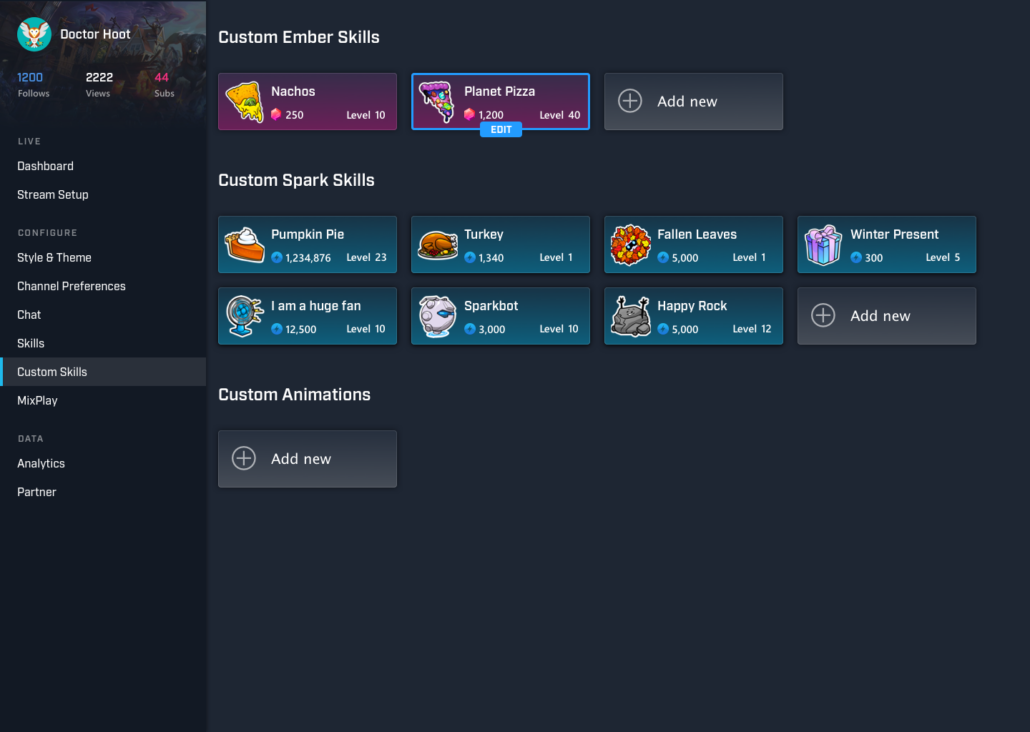
  4. Create a surface in the administration area where streamers and staff can manage skills.

Results

We created and explored various ways to expand our skill tray to work with up to an infinite skill count.

Revised the skill system to allow search, and multiple-currency display.

Added an internal skill management system for both managers and channel skills.

Accessibility and Inclusive Design

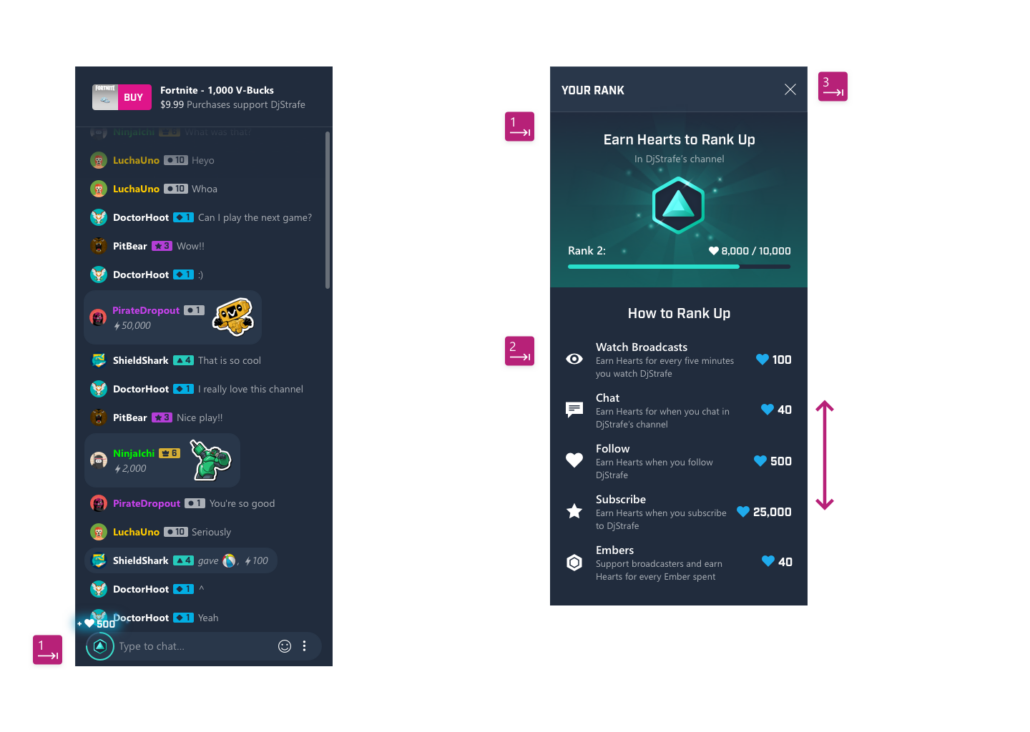
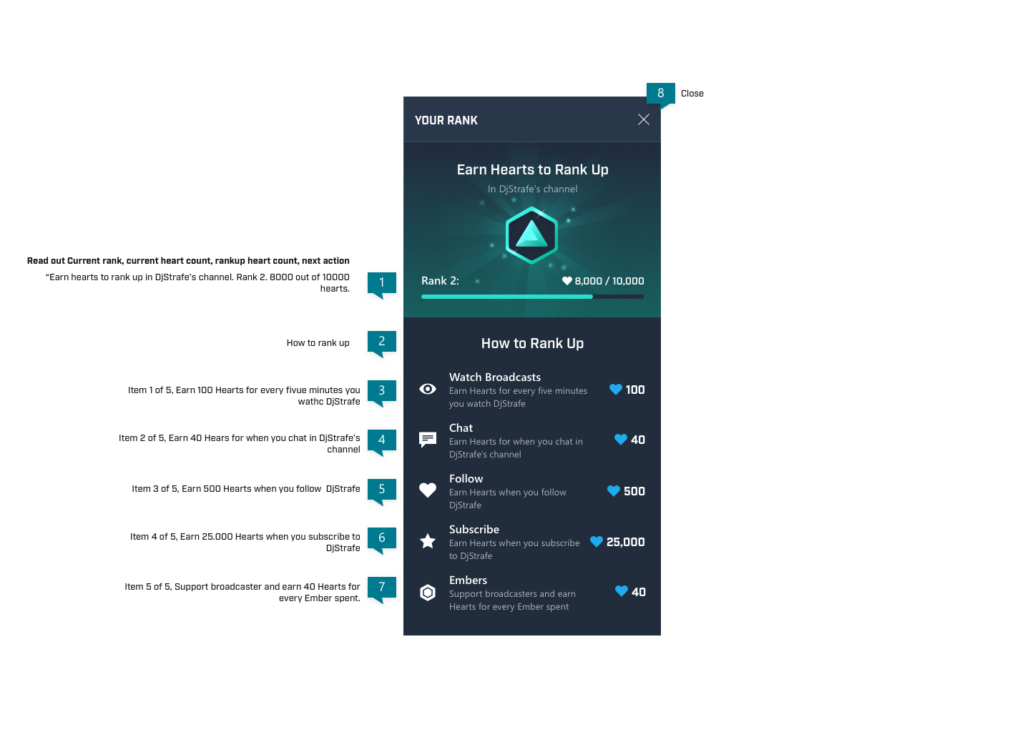
Inclusive Design and Accessibility is not just a requirement but a pledge to make sure no one is excluded from our experiences. Microsoft and Mixer take this pledge seriously. It was my honor to partake extended training on accessibility and become a champion for accessible design patterns within our team.

I was responsible for driving accessibility compliance work in all our products.

My Work

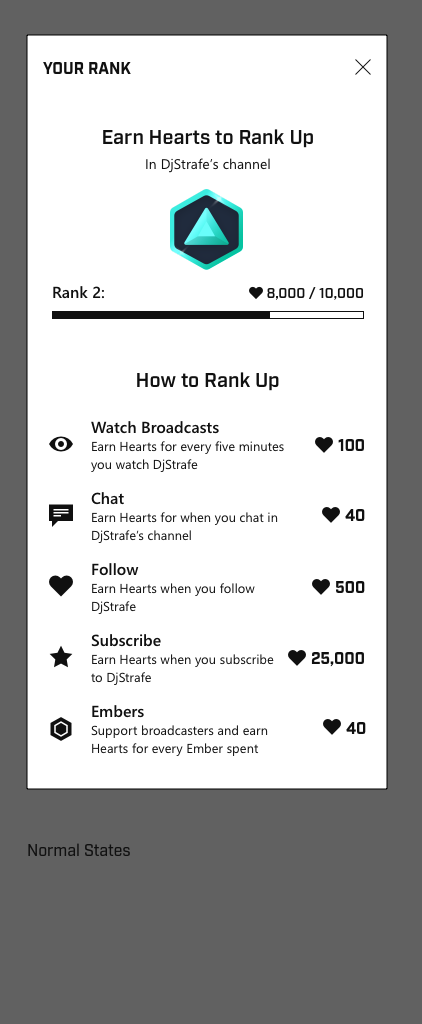
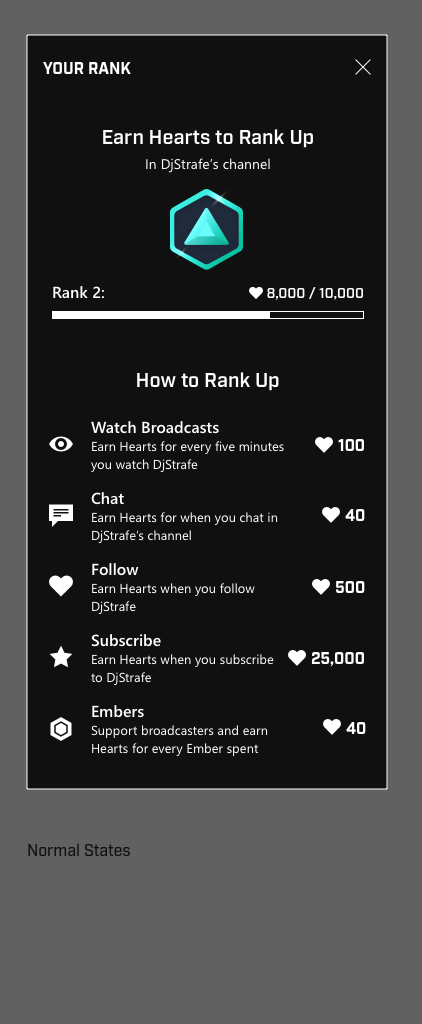
  1. Ensure Minimum contrast ratios are met across the product.
  2. Revise design solutions to eliminate any single-point/single-path of achieving user goals.
  3. Create High Contrast Dark and Light compositions for all design elements.
  4. Drive the change needed on elements that could not be updated.
  5. Create and maintain internal guides for engineers on screen reader compatibility and accessibility requirements.
  6. Work with the Accessibility experts and Microsoft CELA to ensure that designs and their implementation meet international standards.
  7. QA tests different color schemes to ensure variables are passed properly and allow maximum accessibility compatibility.
  8. Tab targeting and screen reader testing and organization.
Results

Across the Mixer platforms, we have gained the full approval of our Accessibility experts. Our designs and solutions met all the requirements and were up to the highest standards minimum AA compliance.
We received praise from the community for creating a site and product that is accessible to most common disabilities and tool-assisted viewers.

New Homepage Explorations

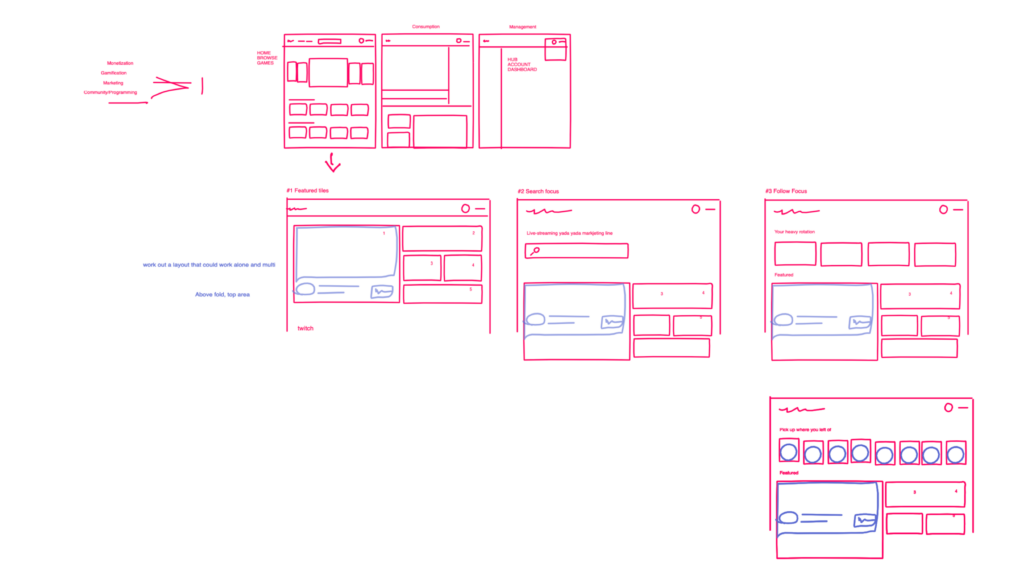
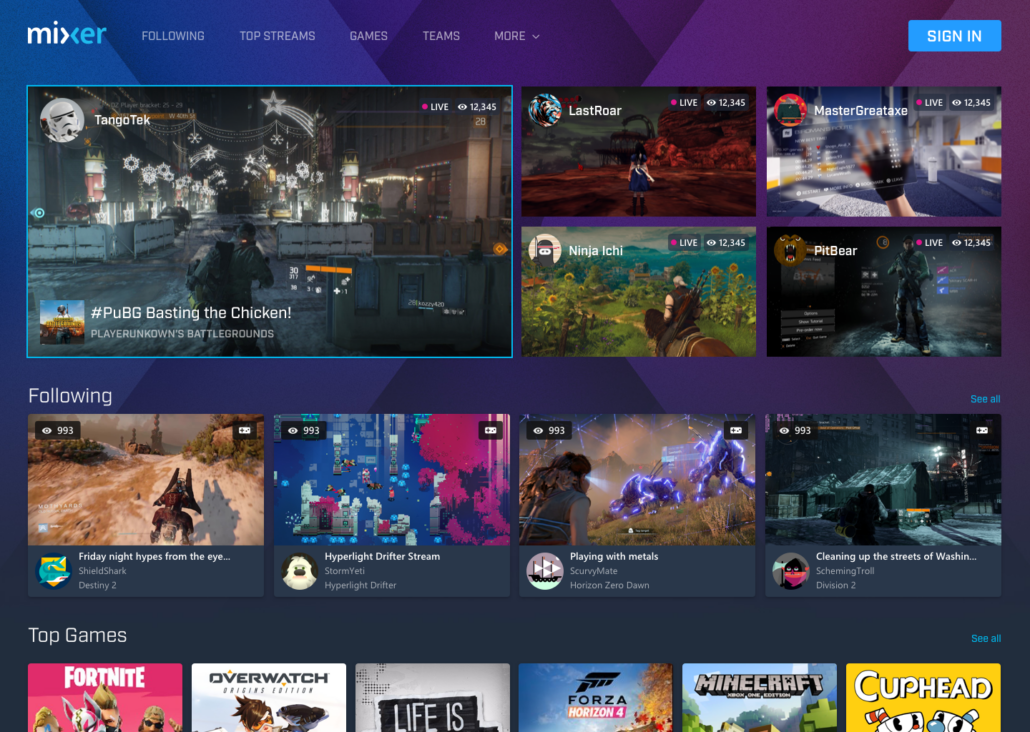
With our additional content, we needed new options and layouts to utilize our homepage better and improve responsive behavior.

My Work

  1. Conduct user research to explore improvement points on Mixer’s homepage.
  2. Improve homepage layout.
  3. Improve responsive behavior.
  4. Implement new content and approaches on the homepage.
  5. Add options to further expand the homepage.
  6. Drive the project with engineers for costing and implementation.
Results

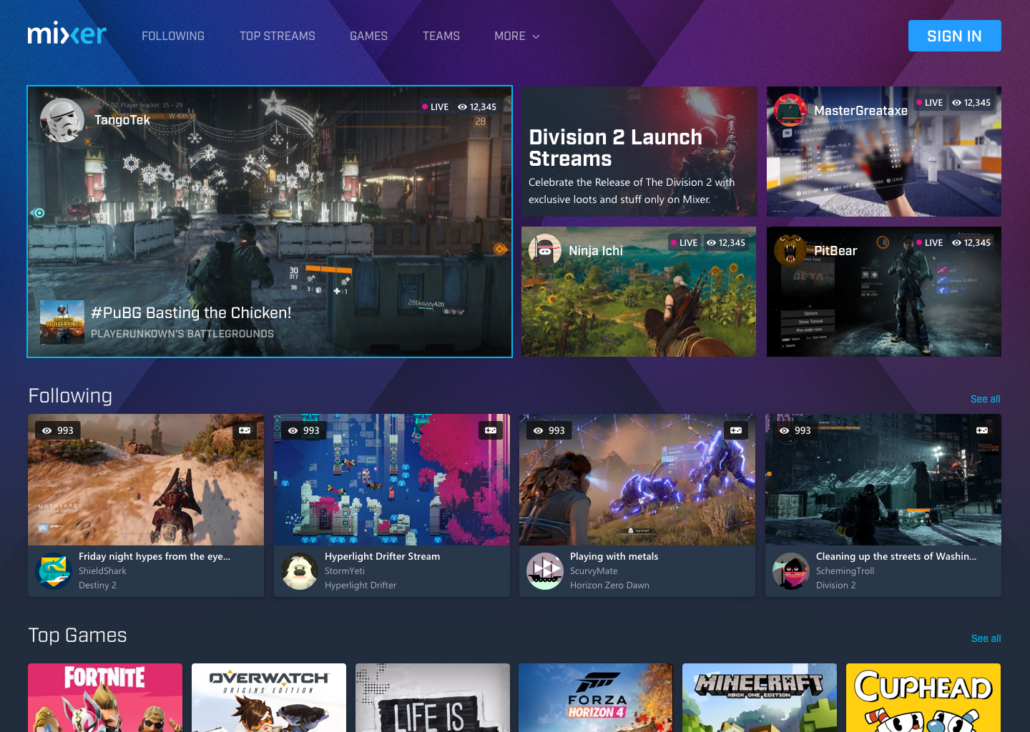
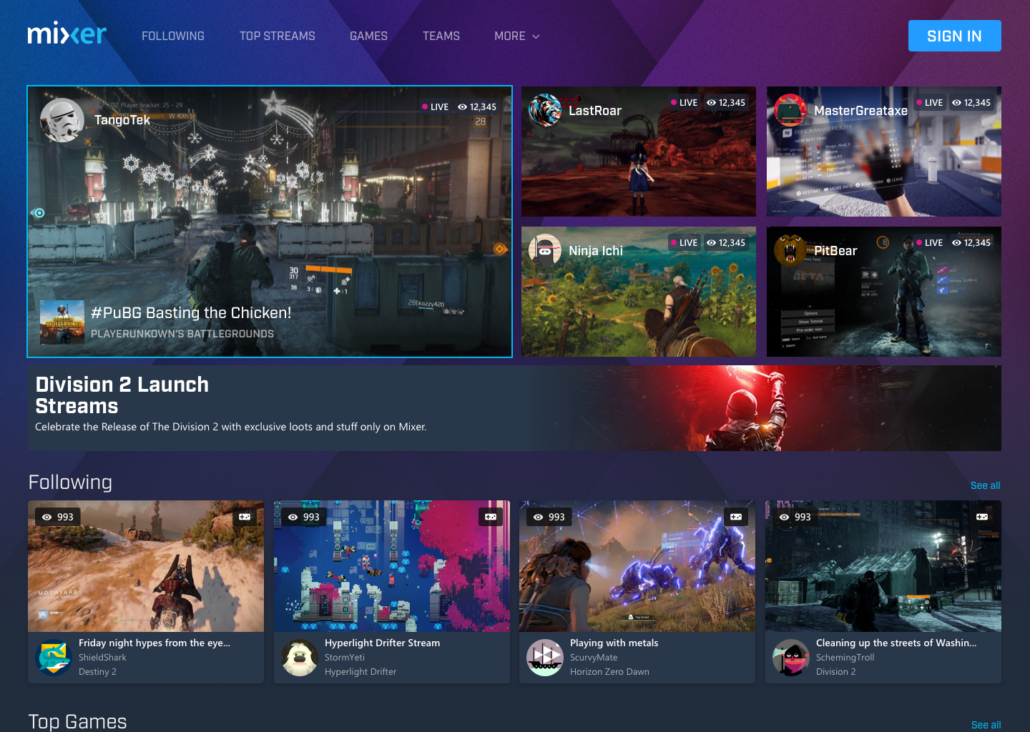
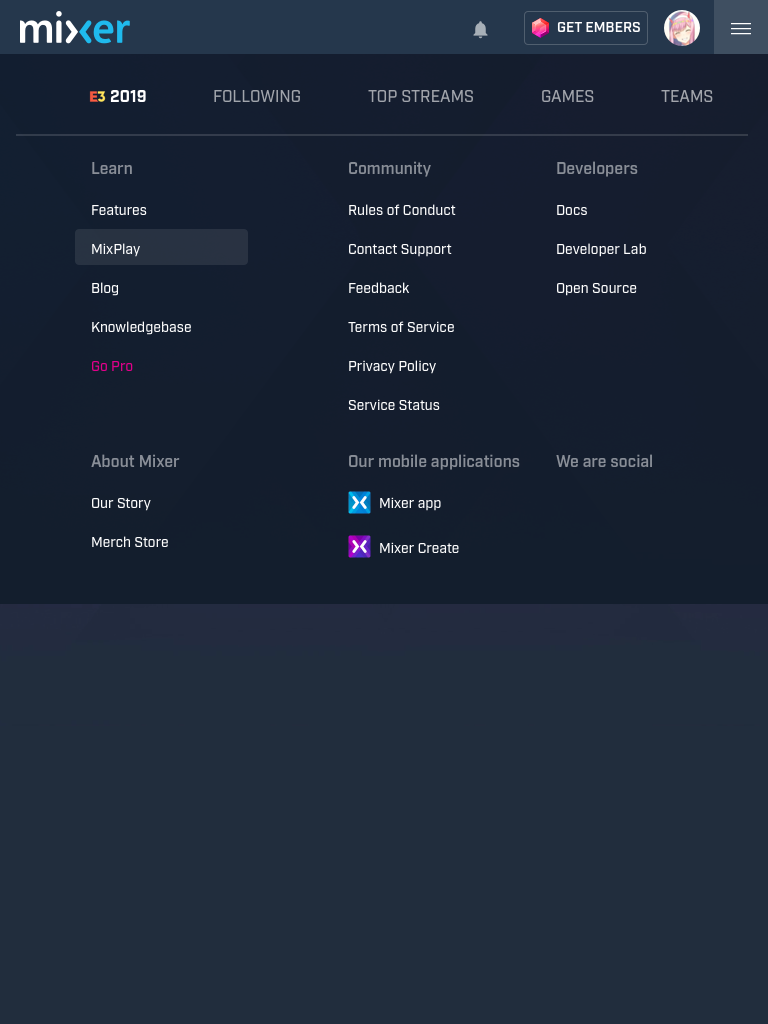
Created new homepage layouts and improved accessibility features. Readability improvements on certain elements. The new designs improved visual coherence between Cards, carousels, and Streamer info cards.

Defined a roadmap for implementation and delivery of changes with engineering. Ran successful AB testing of new layouts and elements, resulting in improved CTR and user approval.

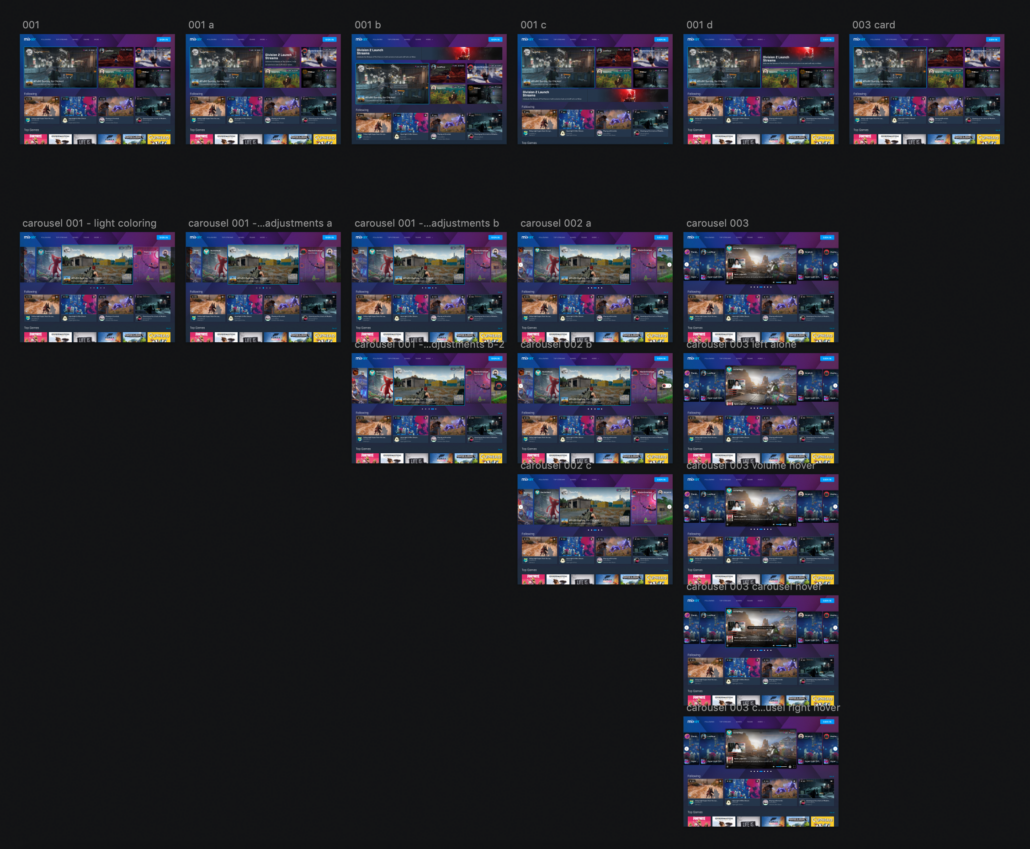
I started work on inVision whiteboards and quickly expanded with elements and variations

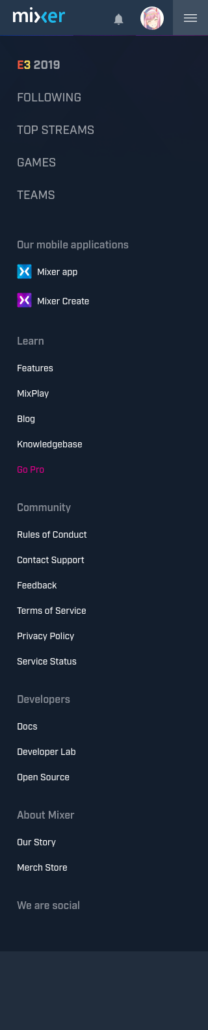
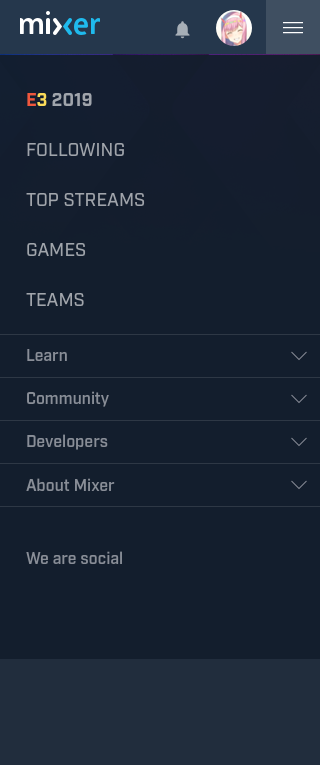
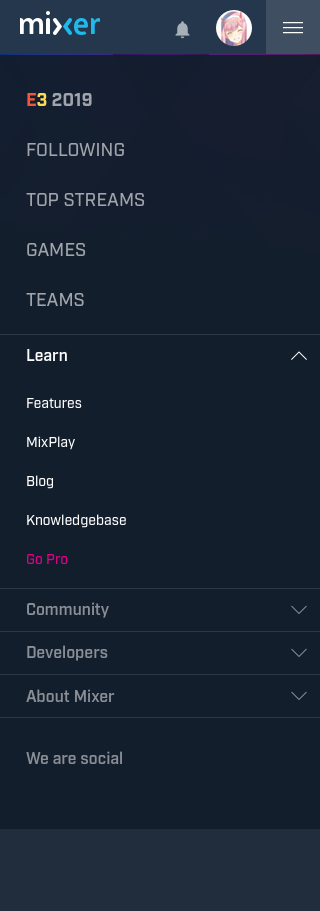
Responsive Adjustments To Main menu

New homepage concept layout

Responsive design adjustments

Design System and Library

Creating a unified Design Library and Design System to help resolve design fragmentation and improve the relationship between designers and developers. With an improved unified design library and system, our aim was to cut down on development costs and reduce design debt.

My Work

  1. Perform a design audit across the product on multiple platforms.
  2. Create a library with core elements, documentation and hand-off procedures.
  3. Build components using the new elements and begin time estimations for a full conversion.
  4. Create full compositions using the elements and components.
Results

Created a unified, up-to-date design library for Mixer using Sketch and Abstract. The design library was later moved into Zeplin to create a seamless connection between design and engineering.

Found and eliminated discrepancies between design compositions and live production designs.
Cleaned up internal design compositions with the new design components.
With the new design handoff procedures, we reduced our delivery times by 20%.