Playnite

Playnite

Playnite is an open-source video game library manager that provides a unified interface and user experience for gamers.

When I first heard of Playnite, I immediately fell in love with the concept. Having a unified launcher for all our PC platforms just sounds excellent. When I first launched the app, I realized that the UI and UX of the project were not ideal.

I offered to overhaul the UI completely to improve the UX and Visual Design.

Quicknav

Problem statement

Playnite is a solution to a fragmented platform problem. Playnite’s goal is to unify all launchers and maintain your gaming library in one easy-to-use location.

Our goal is to add extra functionality that allows Playnite to stand out from any other game launcher by providing extensive customization options and a well-designed interface for ease of use. The main challenge was figuring out the unification method and system for all the different unrelated platforms and bringing them together into one cohesive service.

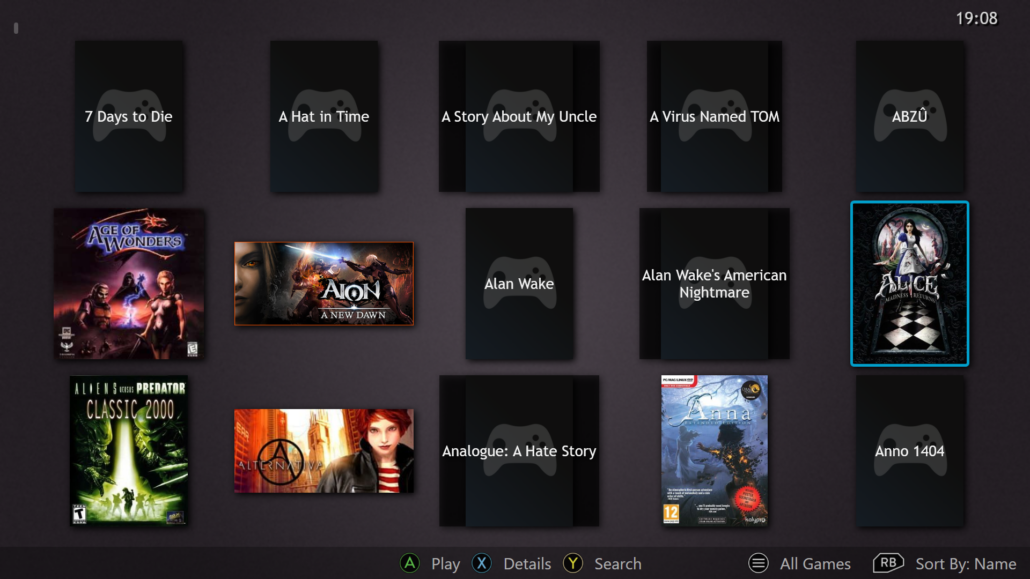
Original Playnite full-screen experience.

My Role

I worked closely with the main engineer and project owner to establish the requirements for our projects and decide what is the most crucial area where Playnite needs improvement.

Due to my background, I was uniquely qualified to handle the full-screen mode, and the new version of Playnite was struggling to establish itself with a full-screen mode, so that was an obvious starting point.

Game Card Guides

The Problem

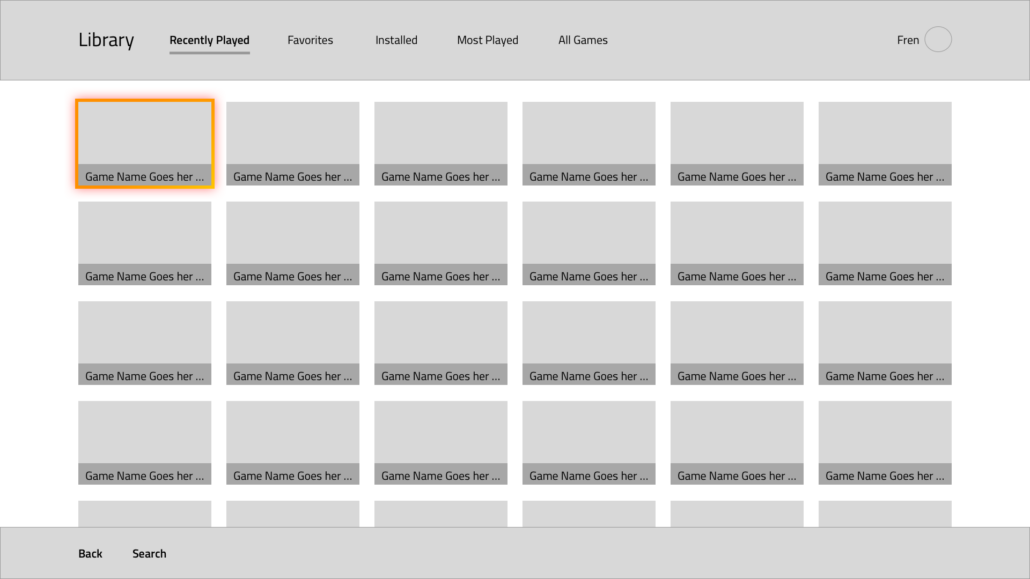
One of the most visible issues with Playnite was the inconsistency of the Game Cards in full-screen and desktop mode. This led to a false positive complaint from users. Many users demanded a feature where they had complete control over the number of cards displayed on the screen at any time.

Research

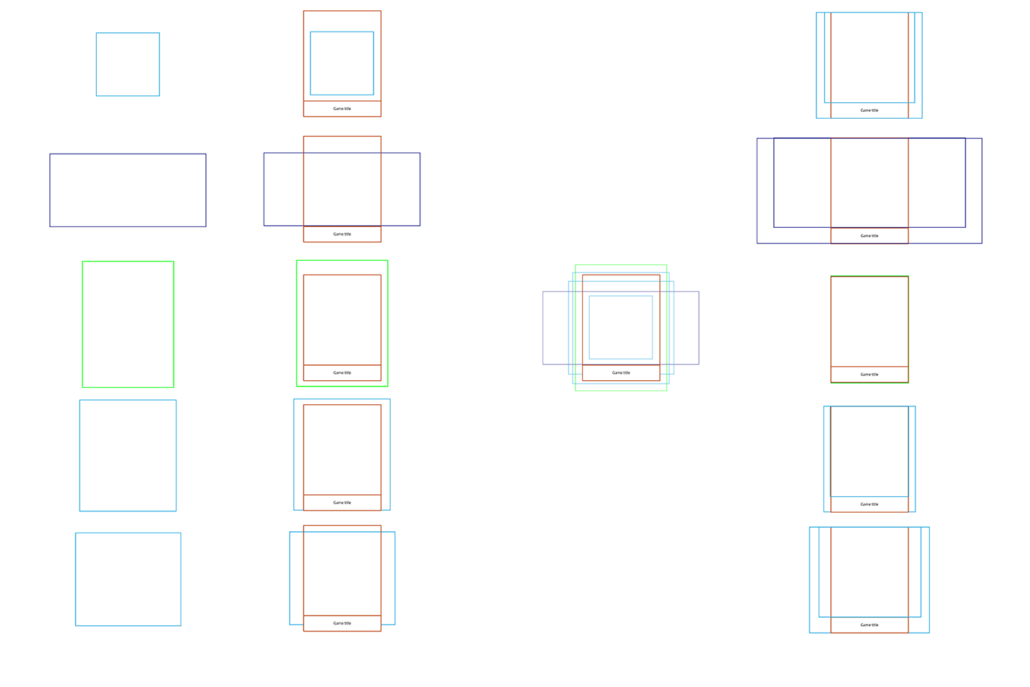
With Reddit and Discord polls and questionnaires and a limited user interview with 6 participants we narrowed down the real issue. As suspected, due to the inconsistent sizing of the cards, a lot of space was wasted. This led the users into a false impression of not having enough space to display their game libraries.

Results

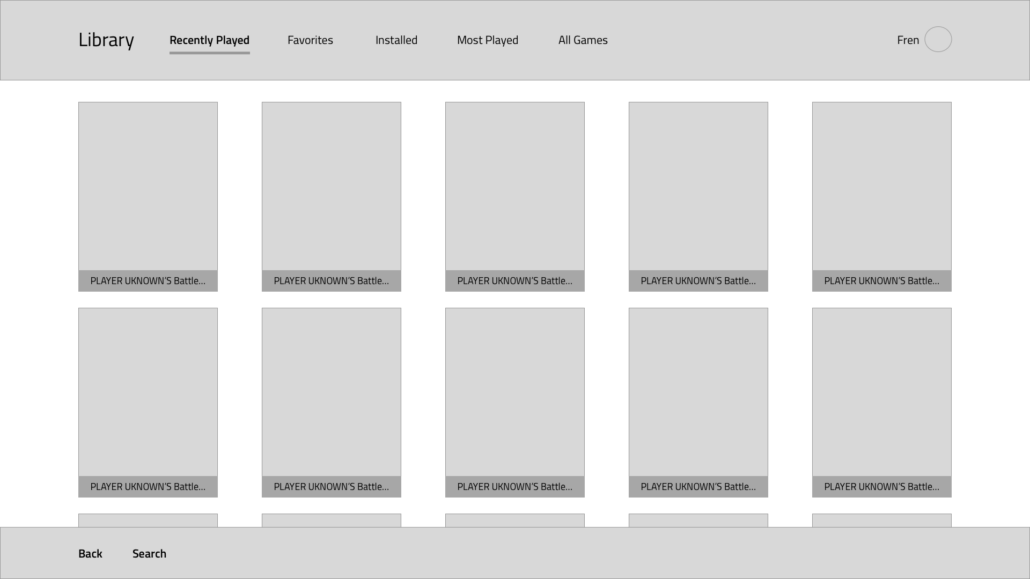
By handling the card layout issue, the full customization option of card layouts was a function that was not needed anymore; hence, we could impose some limitations and introduce predefined layouts, further reducing the engineering cost and debt for future layout improvements.

Insights gained

Users asking for full customization about the game card layout was new to me. I have designed Playstation and Xbox UI and read internal guides and documentation, and never once did this kind of ask come up.

To determine the underlying issue, we conducted small-scale controlled User Research with 5-10 people in interviews and 100+ results from questions on Discord and Reddit polls.

General steps to figure out the issue:

  1. Researched the game cover size and layout of all support game launchers.
  2. Defined a new set of guidelines for handling game covers.
  3. Define new library layouts based on common and popular console library layouts.

Improve the full-screen experience

The Problem

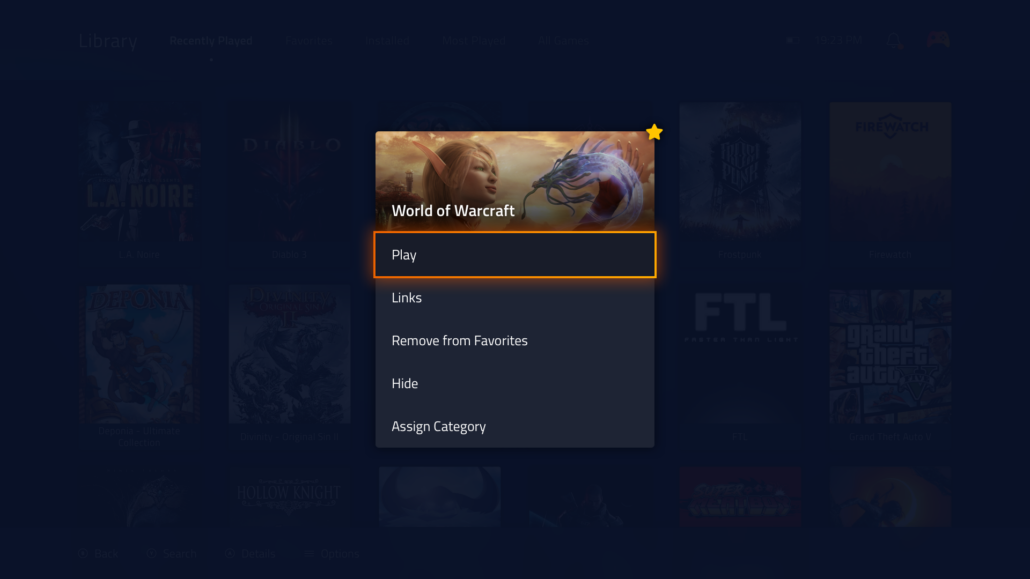
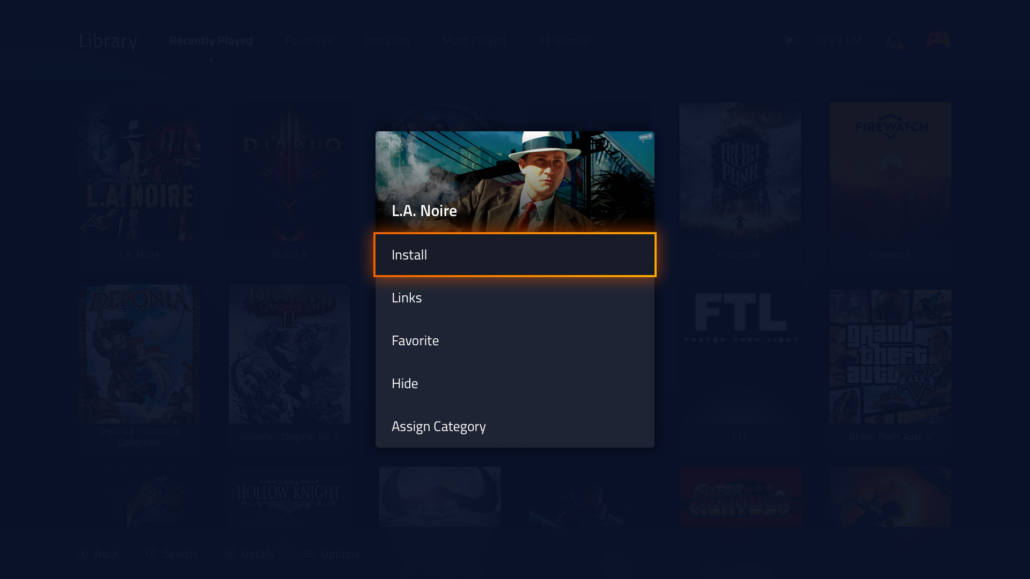
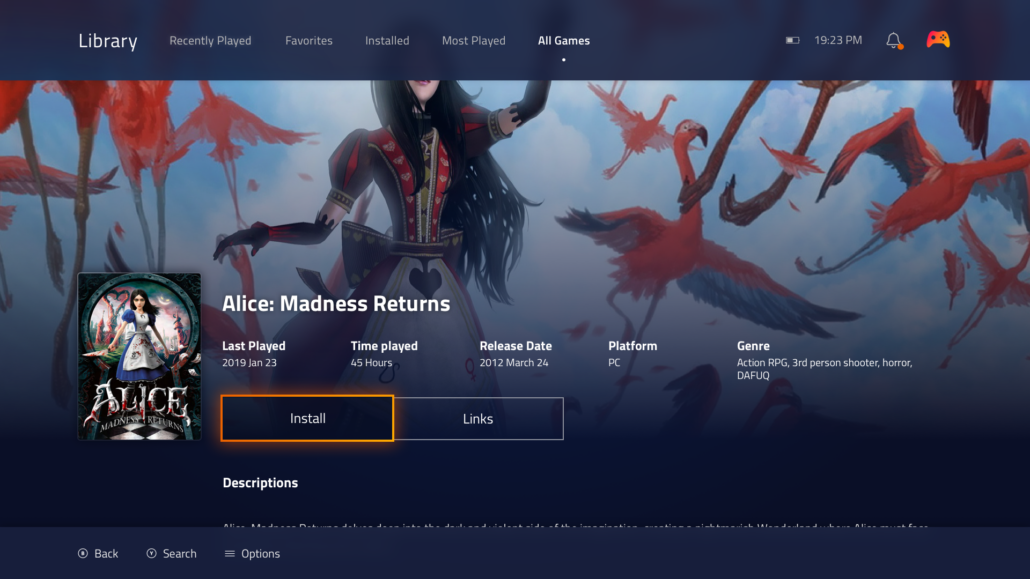
One of the core functionalities of Playnite is a full-screen mode that resembles a console-like experience focused on users who wish to play in a living room setting.

The tasks

  1. Create new coherent game card designs.
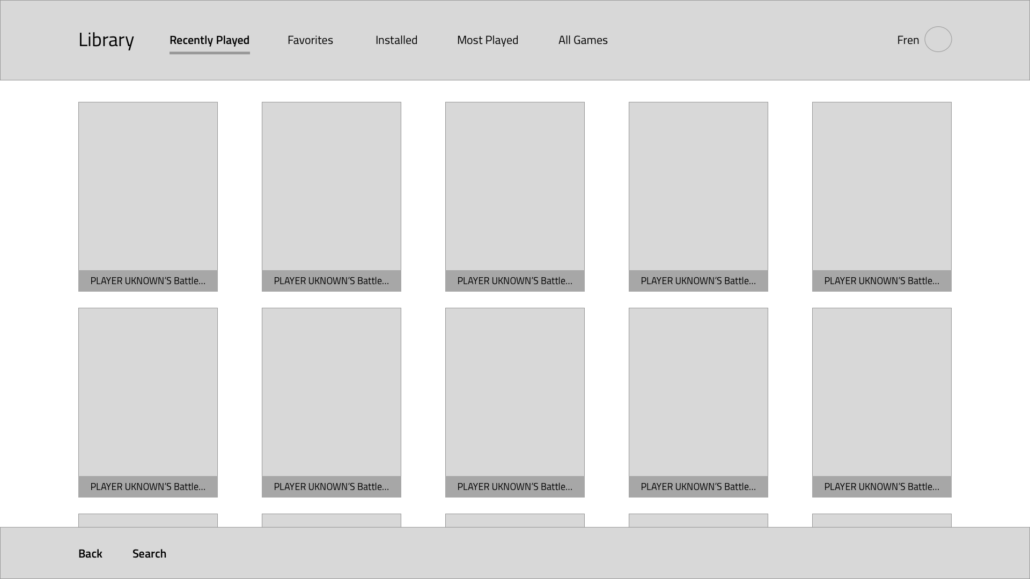
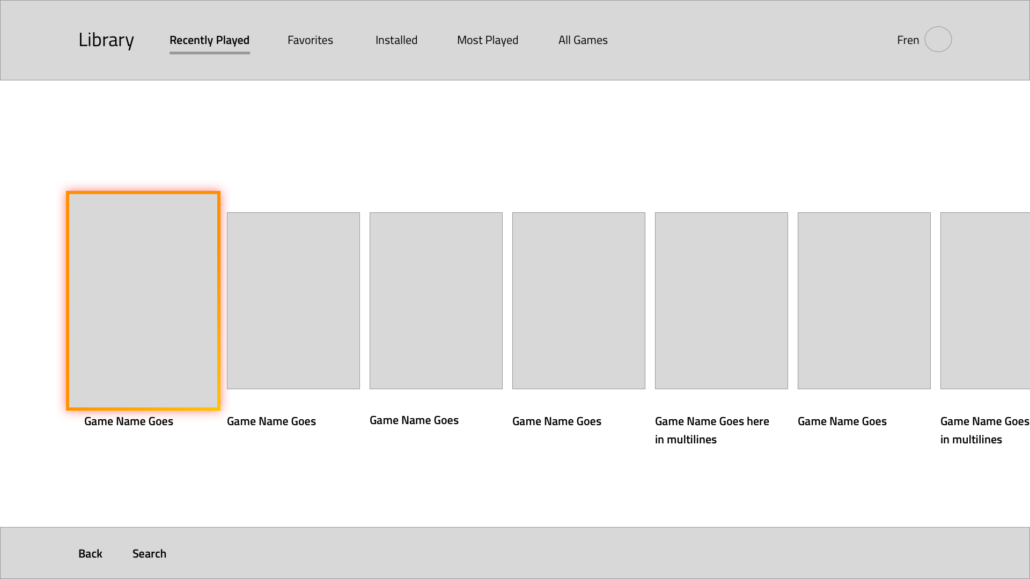
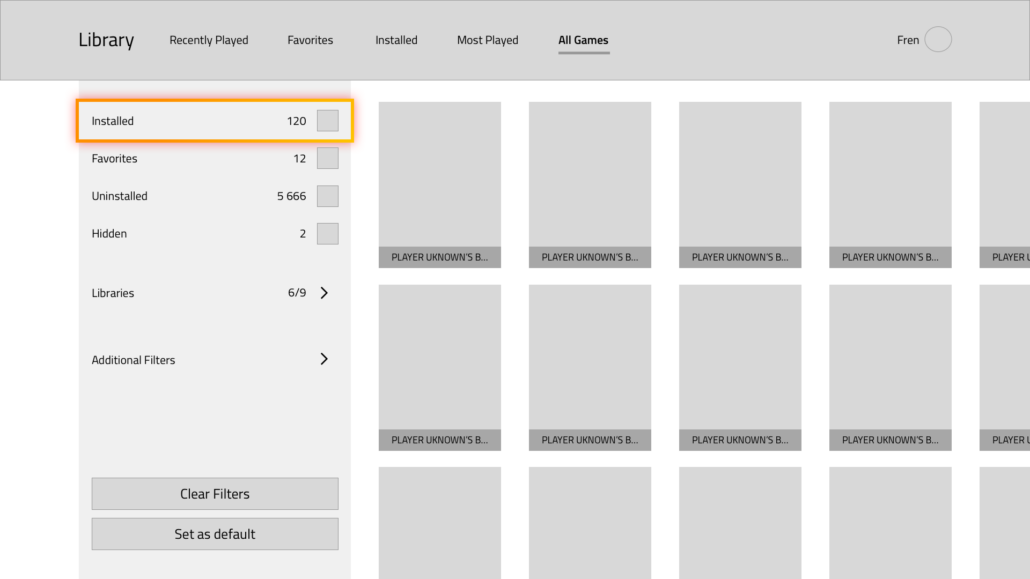
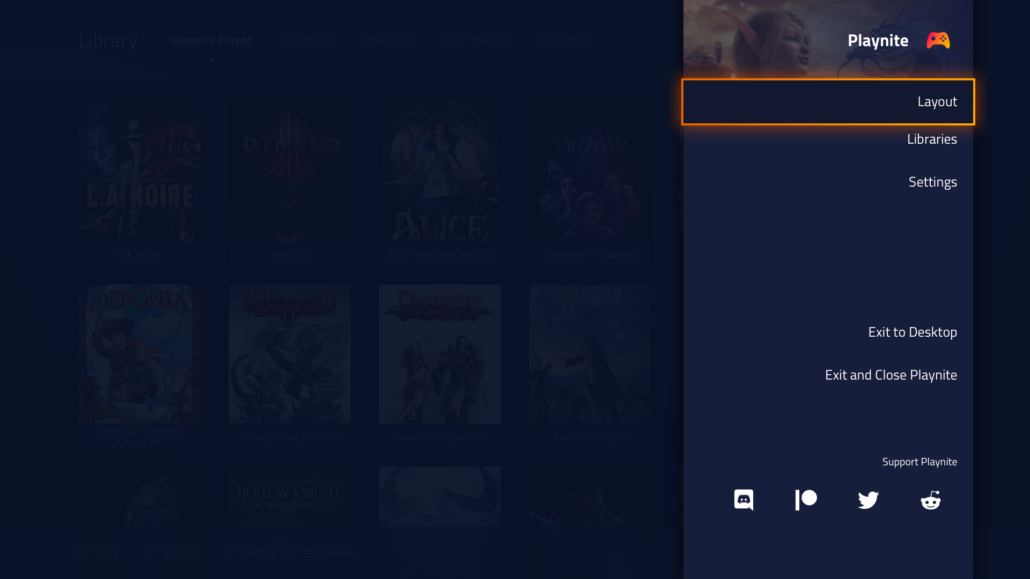
  2. Wire-frame and design additional layouts for users to use.
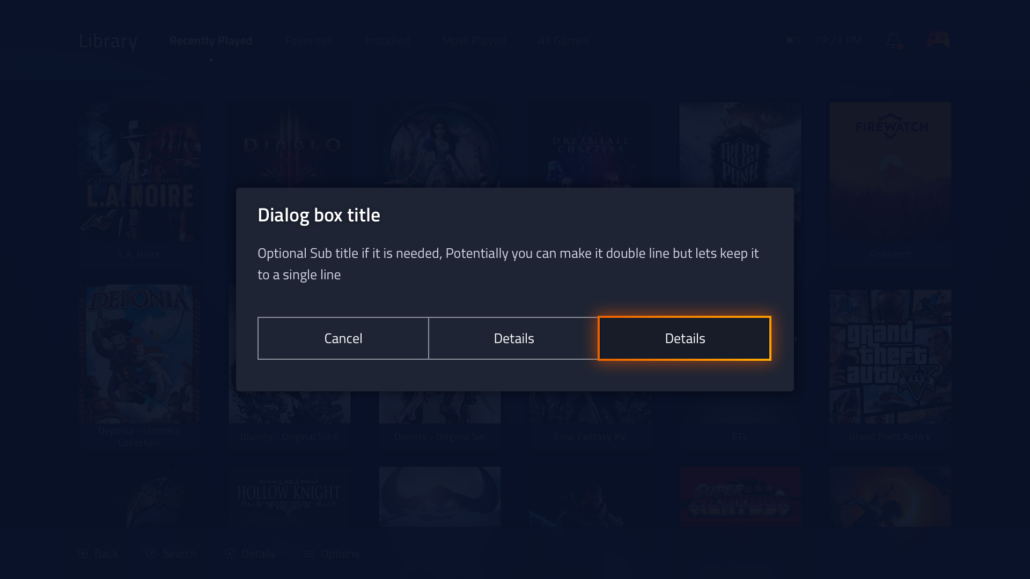
  3. Display and surface new options and functions.
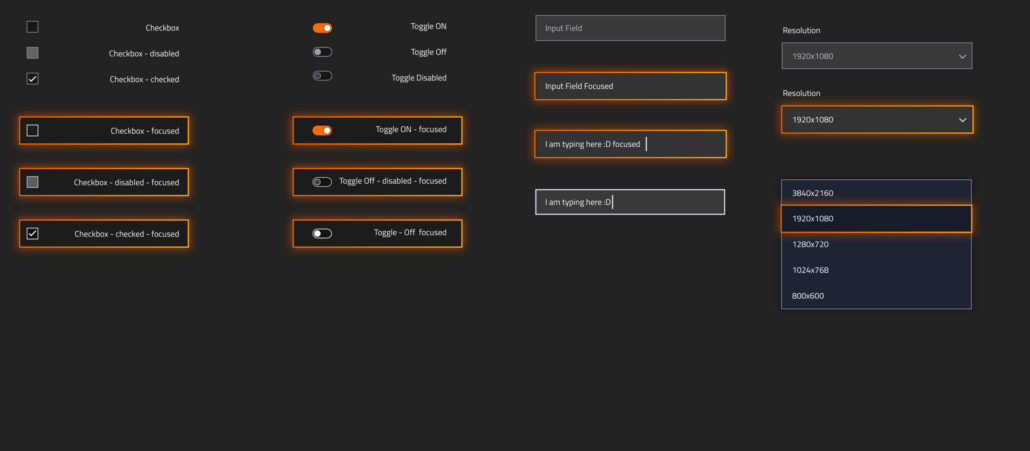
  4. Create a coherent visual style and design.

Research

The main engineer was concerned with adding new functionality and features that resulted in incoherent design patterns, dead-end navigations, and a bunch of general usability issues that greatly diminished the user’s perception of the app’s value. With Reddit and Discord polls and questionnaire results, we revised the functionality roadmap to include design-driven decision-making and draw a clearer picture of the app’s core flaws.

Results

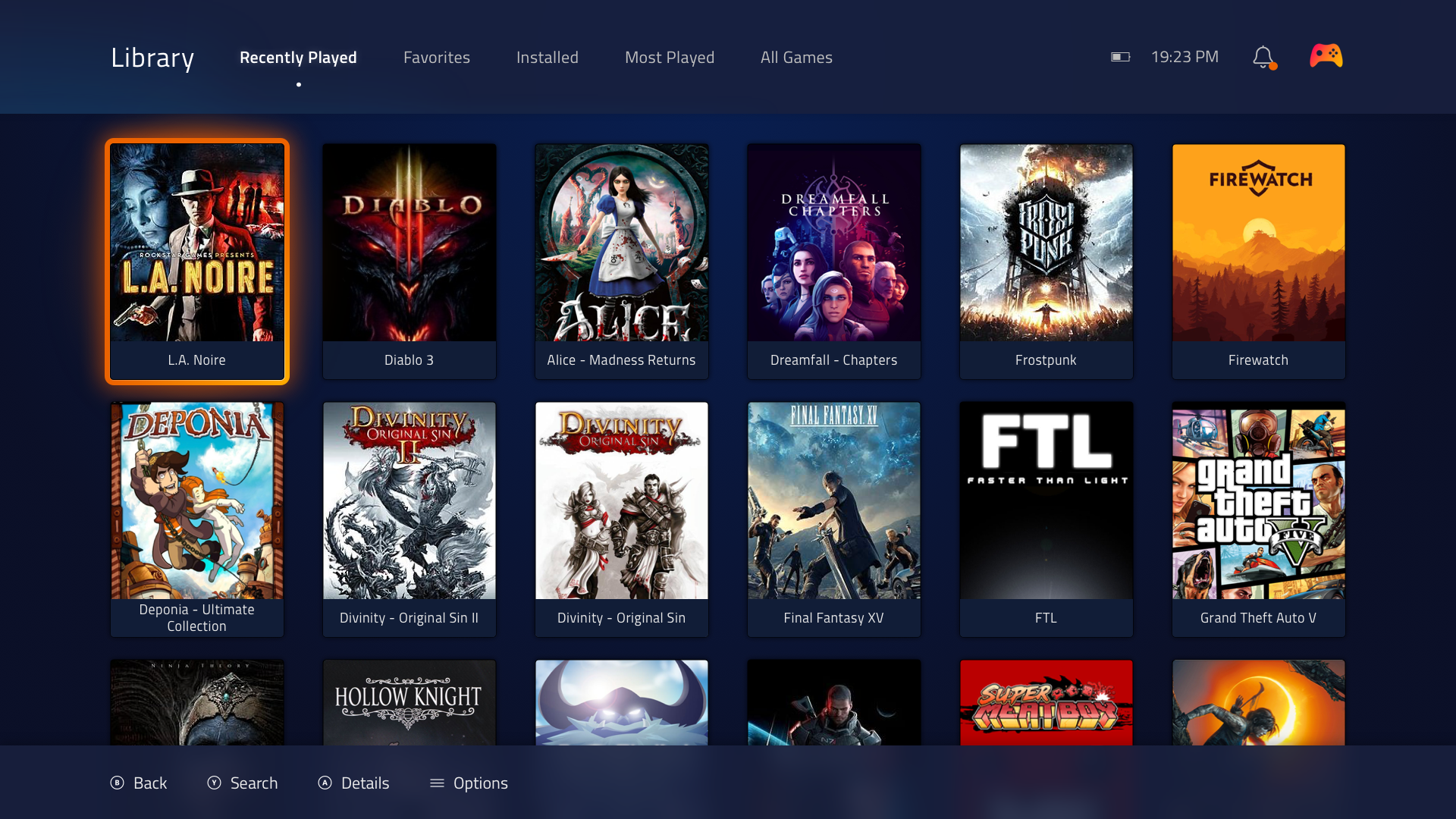
A new full-screen mode and new functionalities are enabled by careful planning and design-driven delivery.
The community has an overwhelmingly positive reaction towards the new UX and Visual Design.
Even in Beta mode, the adjustment had positively impacted the perception of the app’s overall quality.
The community quickly adopted the new UI patterns, which have been considered a huge improvement overall.

Insights gained

With limited engineering circumventing technical limitations had proven to be difficult and time-consuming. One of the most important lessons for me to learn was that In many cases, it is better to compromise the vision to deliver adequate functions, than spending 100x longer on delivering a perfect solution, that may or may not even be worth it in the end, meanwhile bringing the delivery to a full-stop.

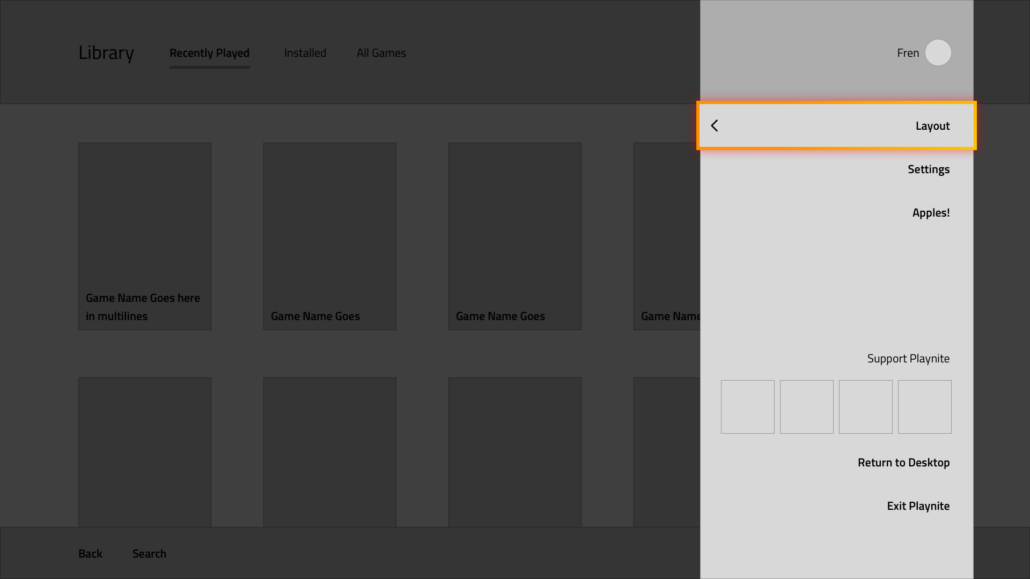
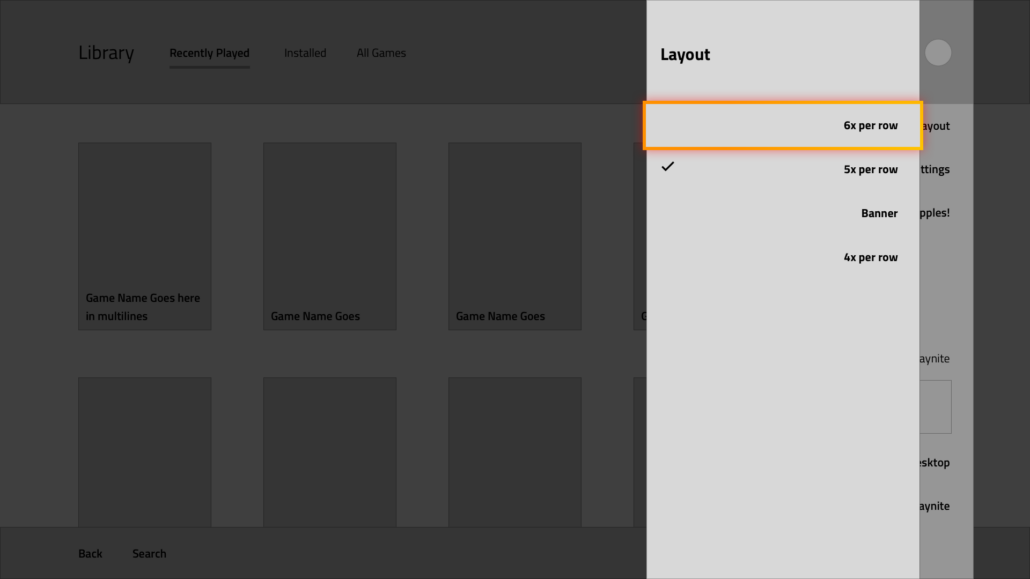
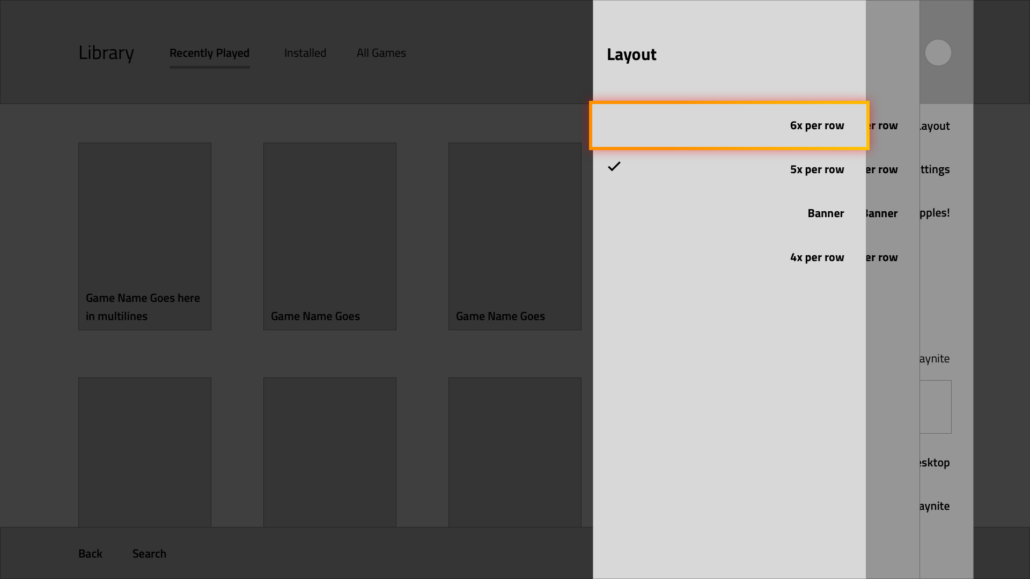
Wireframes

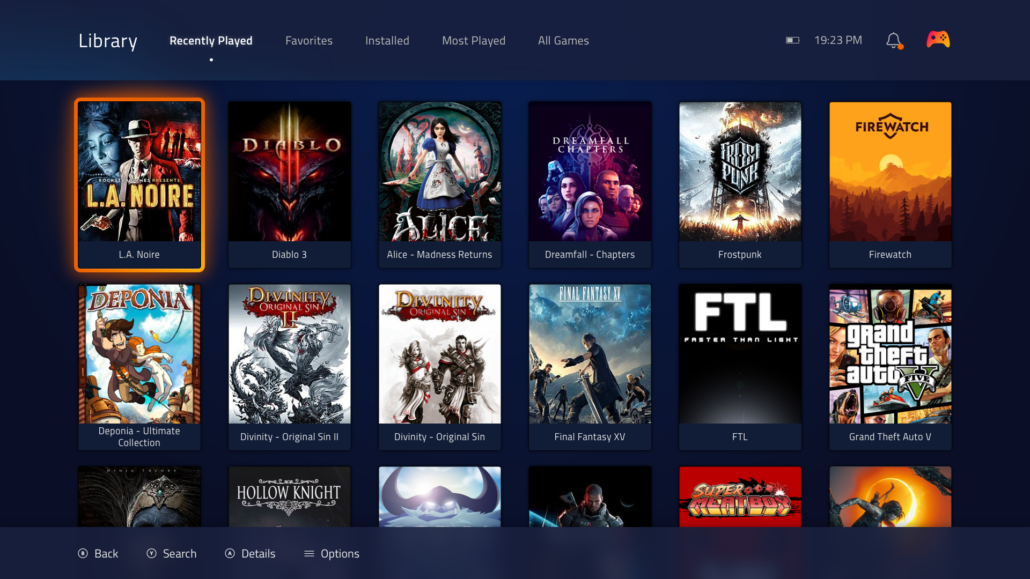
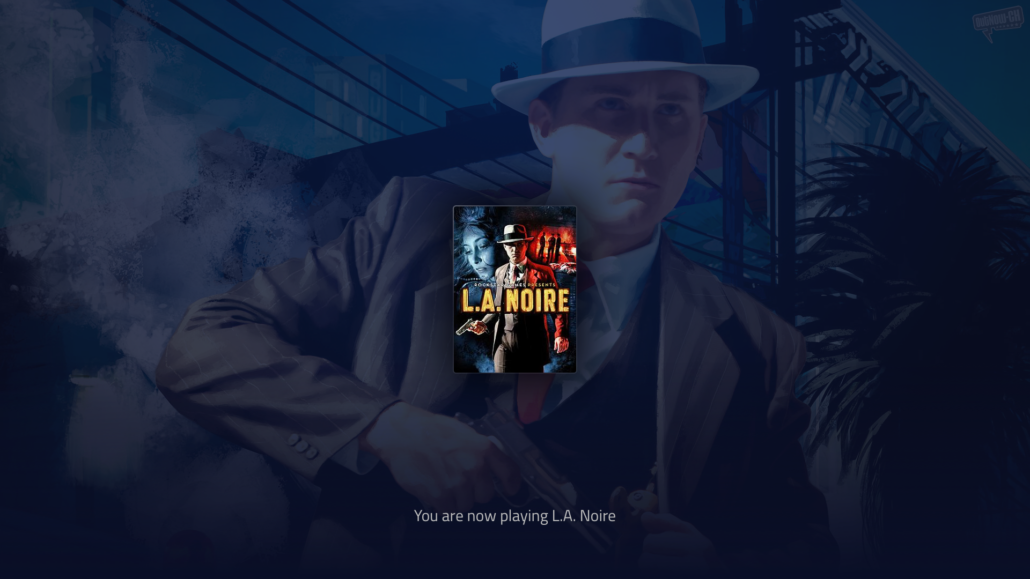
Final Visual composition

Retrospective

What went well

  • The new UX solutions and visual design direction were well received and brought much-needed design perspective to the project.
  • Applying multiple platform requirements was hard but rewarding. This resulted in a huge improvement when it comes to patterns and solutions.
  • With a well organized design it was easier to insert new functionalities and improve the perception of the app.

Obstacles

As a startup and later full corporate employee, engineering time and effort was measured in days. With a very limited team and no full-time dedication effort was measured in weeks.

Actionable Insight

  • I was using a different tool at the time: Sketch. If I were to start over, I would port everything to Figma and Zero-height to create a better design system that allows controlled flexibility for the developers to play with.
  • Rather than focus on the bigger picture it would be beneficial to apply more leaner project management methods (lean or agile ) and focus on smaller but more impactful changes and improvements.
  • Clearly defining user needs and cutting features to save development time instead of catering to everyone’s needs would speed up the entire development process.